1
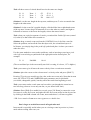
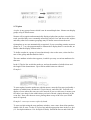
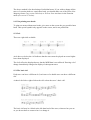
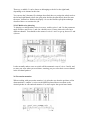
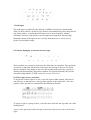
Notes connected by a beam will be handled collectively.
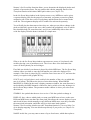
The Note Attribute window (double-click the selected note) and Process Note
Attributes in the Function menu also allow stem parameters to be edited.
13.3 Hiding stems
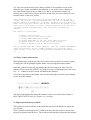
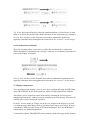
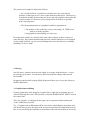
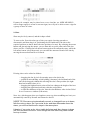
The stems of selected notes can be hidden by pressing [Shift-Alternate-D].
[Alternate-D] restores the display to what it was. You may also use the note attribute
window (double-click a note) or Process Note Attributes in the Function menu to hide
stems.
14. Note heads
14.1 Altering note heads
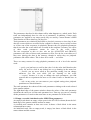
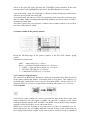
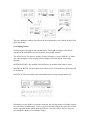
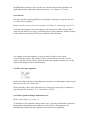
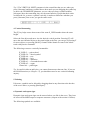
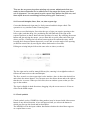
To change the style of a note head on the screen, select the desired note head from the
pop-up partbox and place the symbol on top of an existing note head in the score. You
may continue entering the same selected symbol just by clicking the right mouse
button without going back to the partbox, until you select a fresh object.
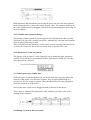
To give a group of notes the same note head, select them so that they flash, then drag
the new note head onto one of them.
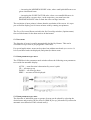
To return the note heads to their original form, either select the note(s) and press
[Shift- Alternate-E], or drag the quarter note note head back onto them.