1
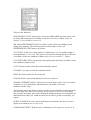
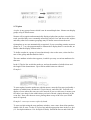
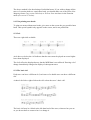
When you press N, all track parameters with a value will be normalized
simultaneously (for exceptions, see below), so ensure that that is indeed what you
want! Remove values from those you do not want to normalize, press N, then restore
those values.
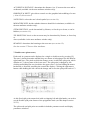
Remarks on Normalizing:
CHANNEL the events will he normalized, but the channel display will be kept for the
sake of clearness. Switching the CHANNEL value to original will protect the events
in the track from having their individual channels normalized.
LOOP loops are not normalizable. The equivalent process would be to use segment
copy (see Chapter 18).
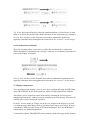
QUANTIZE GROOVE normalization is not carried out, because, unlike any of the
other track parameters, the effect of using QUANTIZE or GROOVE is anyway seen
in the event editor (but see “Fix Quantize/Groove” below).
LOWEST, HIGHEST notes outside the zone are deleted (of course!).
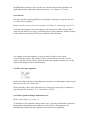
DELAY although you can normalize the DELAY/ADVANCE value, it is better in
many situations to keep the flexibility of the “playback” parameter rather than to
normalize: before normalizing, temporarily remove the DELAY value, press N, then
restore the DELAY value.
4.2 Process Data
Process Data in the Functions menu allows you to force each event in the track to
alter its values in keeping with those of one or more track parameters, and allows you
to limit the process to a part of the track.
The end effect of Process Data is the same as that of Normalize, but whereas
normalize is quick, Process Data is more flexible.
Process Data is mainly used with its locators to override the “playback” track
parameter on the main page for a certain segment, eg transposing just ten bars of a
thirty-bar track, or giving specific bars a different groove value etc.
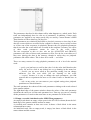
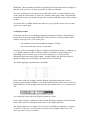
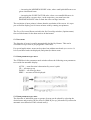
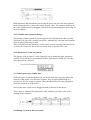
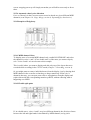
The “Process Data” window looks rather like the “track parameter box” in the main
page, except that you can switch the parameters on and off: only if “ON” will a
parameter be processed.