1
DVR User Manual
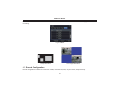
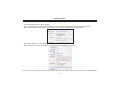
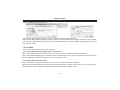
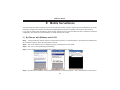
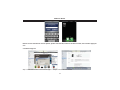
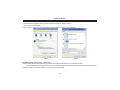
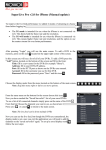
Note͵When user used the Superlive software in mobile phone with touch screen, there will be compatible problem.
Solution: Enter into Options Menu->Advance options->Applications->Superlive and click “Disable Compatibility” button. This
problem will be solved.
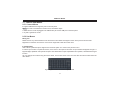
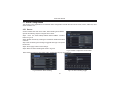
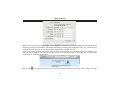
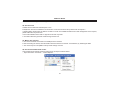
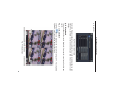
Login
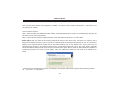
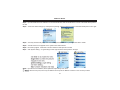
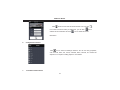
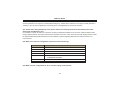
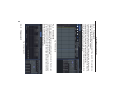
Enter server’s IP address (or domain name), user’s ID and password.
button can quick input
Click “Remember server” to save the setting; click
saved server address, user name and password.
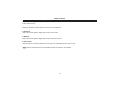
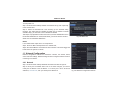
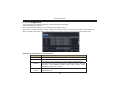
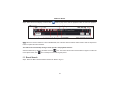
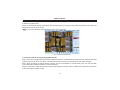
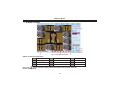
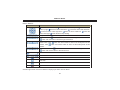
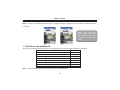
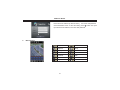
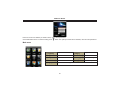
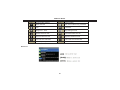
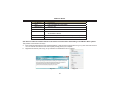
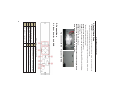
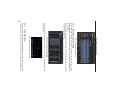
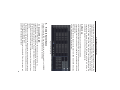
Main interface
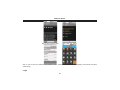
Playback
Log
Information
Logoff
Live
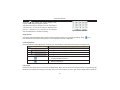
playback record file
log record
device information
view
logoff and return to
login interface
live view
86
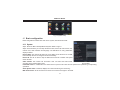
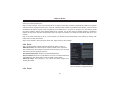
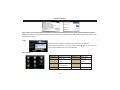
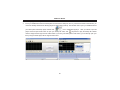
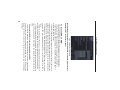
Image
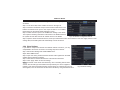
Server List
Help
Settings
image view
device list
software
help
center
software setting