1
User’s Manual
Installation
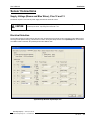
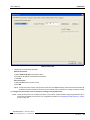
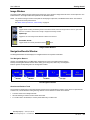
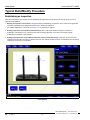
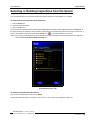
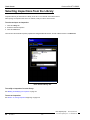
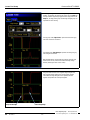
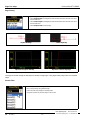
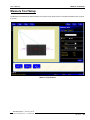
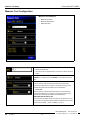
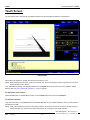
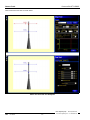
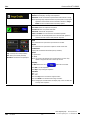
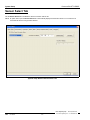
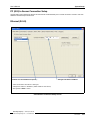
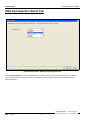
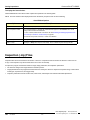
Sensor Select Tab
Sensor Select Tab
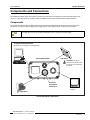
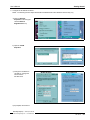
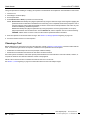
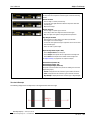
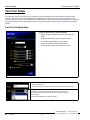
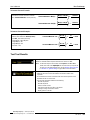
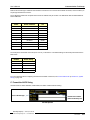
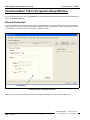
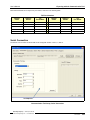
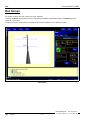
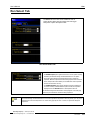
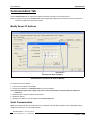
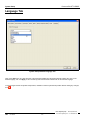
- Change the connection setup as follows:
Ethernet Connection:
a) Select Ethernet (RJ 45) in the pull-down menu.
b) Change the IP address to the address of the Sensor.
c) Click OK.
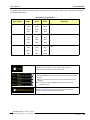
Serial Connection:
a) Select PC Serial in the pull-down menu.
b) Click OK.
NOTE: A serial connection requires changes to the Sensor and an established dial-up network. See the PresencePLUS
P4 Serial Connection Procedures document (on the software CD) for instructions on setting up a dial-up network.
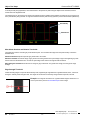
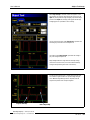
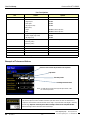
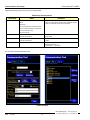
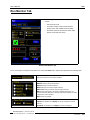
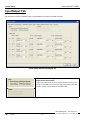
7) Configure the discrete I/O, create an inspection, and begin running inspections.
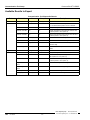
NOTE: Initially, all discrete I/O’s are configured as inputs. If you create an inspection before configuring the discrete I/O, no
outputs will be available in the Test tool. For configuration information, see InputOutput Tab (in Section 12, System
Setup) on page 140.
Banner Engineering Corp. • Minneapolis, MN USA
www.bannerengineering.com • Tel: 763.544.3164
01/05
P/N 120413
21