1
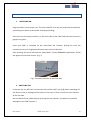
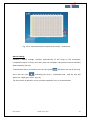
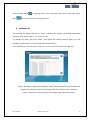
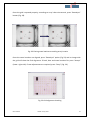
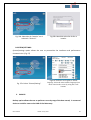
Fig. 59a: Select “Backup”.
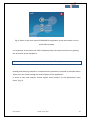
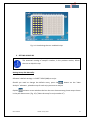
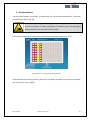
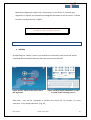
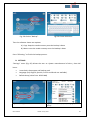
Fig.59b: Dates Sellection .
Then the software shows two options:
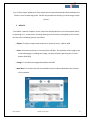
A) Copy: Keep the reader memory once the backup is done
B) Move: erase the reader memory once the backup is done
Press “following ” to finish the backup process .
D. SETTINGS
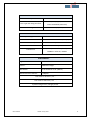
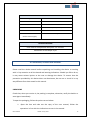
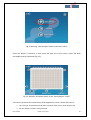
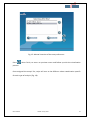
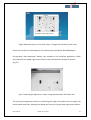
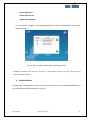
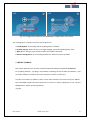
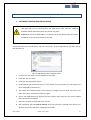
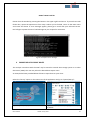
“Settings” menu (Fig. 60) allows the user to: Ajustar manualmente la fecha y hora del
lector.
•
•
•
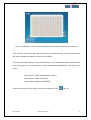
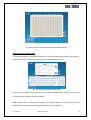
Insert both, data export and backup path.
Language (only English, Spanish, French and Greek are available).
Default Assay (other from HPV2 MM)
Fig. 60a: Setting option
User manual
Fig. 60b: date ,backup path , language, Default
Assay…
Version 8 July 2015
50