1
Host Connection
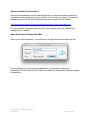
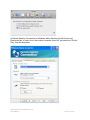
Once ACAdminTool is launched, the application requires a host address and the name
and password of an authorized ACAdminTool administrator before the application is
enabled for use.
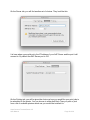
The host address must correspond to a server that has been installed with the Aqua
Connect Terminal Server. Enter “localhost” if you are running from the console or via
Aqua Connect Terminal Server. Otherwise, enter the name or address of the Aqua
Connect Terminal Server you would like to administer.
Administrator Credential
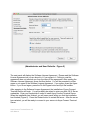
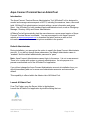
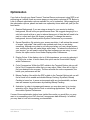
When a connection has been established, ACAdminTool will ask you for a valid name
and password of an Aqua Connect Administrator. Enter the name and password that
you specified at installation time. If you did not specify anything, the account name is
“acadmin” and the password is “pass”. At this point, ACAdminTool is available for use.
Aqua Connect Terminal Server 3.5
User Manual
Page 32 of 38