1
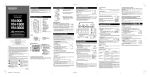
Software Description / Menu List
1-4 Menu List
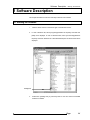
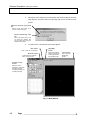
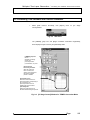
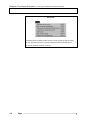
Clicking a menu name in the [XY Stage Control] window or [Stage Map] window displays
the control menu, which contains commands for controlling the window.
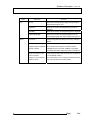
1-4-1 [XY Stage Control] Window
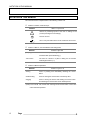
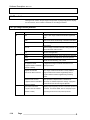
Menu
File
Sub-menu
New
Function
Creates a new stage coordinate information registration
sheet.
Open
Loads a CSV file to edit the stage coordinate information.
Save
Saves the stage coordinate information by overwriting
previous data.
Save As
Saves the stage coordinate information being edited in a
different file name and/or location.
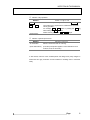
Edit
Exit
Exits from the application.
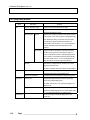
Copy
Copies the selected string, cell or track into the clipboard.
Paste
Inserts the data in the clipboard in the cursor position.
Delete
Deletes the selected string, cell or track.
Re-register to PAPP
Re-registers the stage coordinate information in the
(It appears when FLUOVIEW
protocol processor.
software is linked)
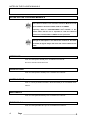
Register the selected
When stage coordinate information is newly added to
comment as base comment
[Stage Coordinate Information Registration] sheet, it
programs default comment registered in [Comment]
column.
1-14
Page
Adjust the shift of Z axis
When Z position is displaced due to deflection of
(It appears when FLUOVIEW
microscope or ambient temperature change, it programs
software is linked)
the shift stroke of Z axis if Z range is adjusted.
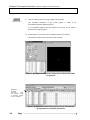
Open PAPP Track Editor
It displays input supporting function to the track of protocol
(It appears when FLUOVIEW
processor. For further details, see 2-4-3 Display of input
software is linked)
supporting function to track of protocol processor.