1
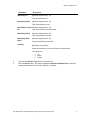
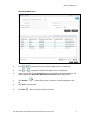
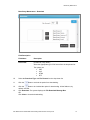
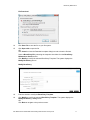
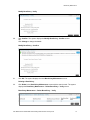
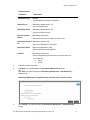
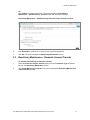
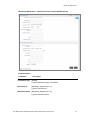
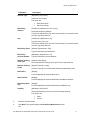
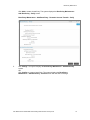
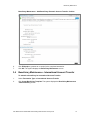
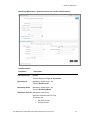
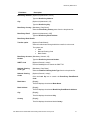
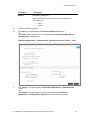
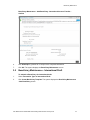
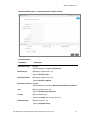
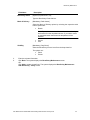
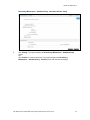
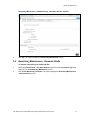
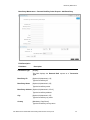
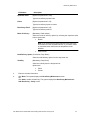
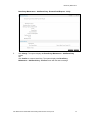
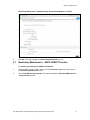
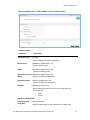
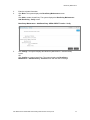
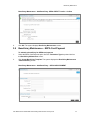
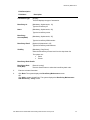
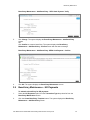
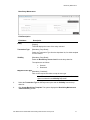
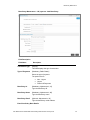
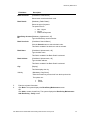
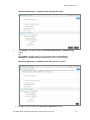
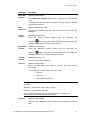
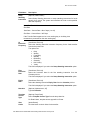
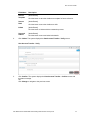
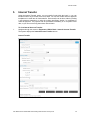
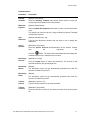
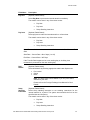
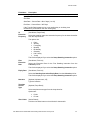
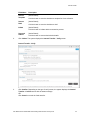
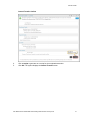
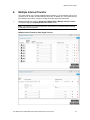
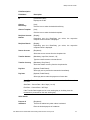
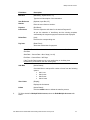
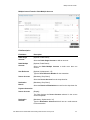
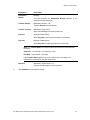
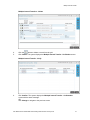
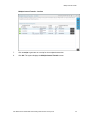
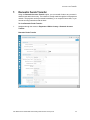
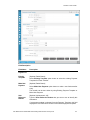
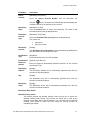
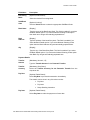
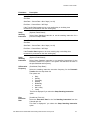
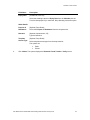
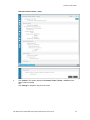
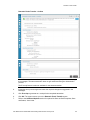
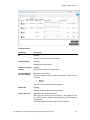
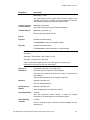
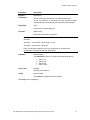
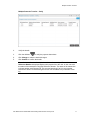
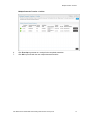
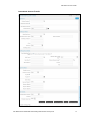
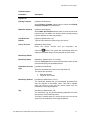
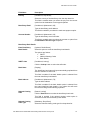
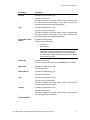
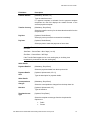
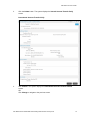
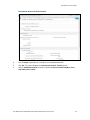
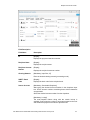
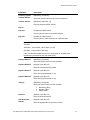
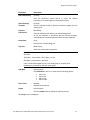
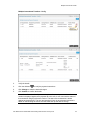
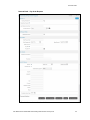
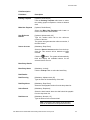
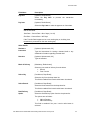
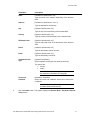
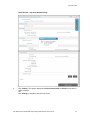
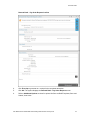
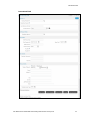
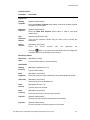
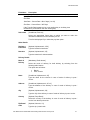
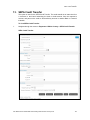
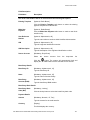
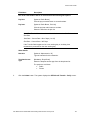
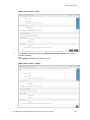
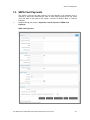
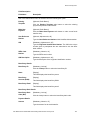
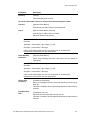
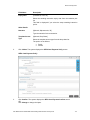
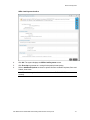
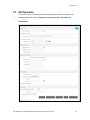
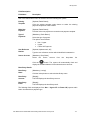
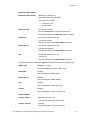
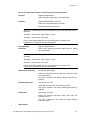
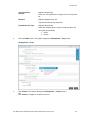
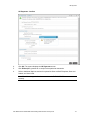
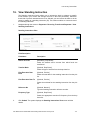
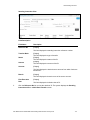
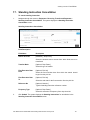
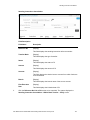
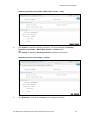
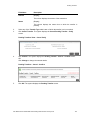
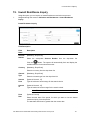
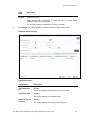
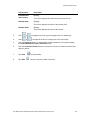
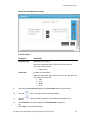
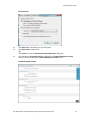
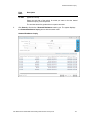
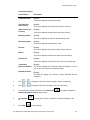
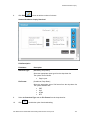
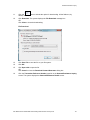
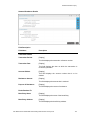
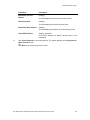
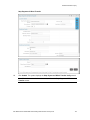
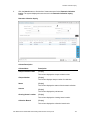
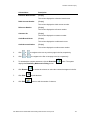
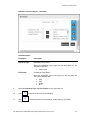
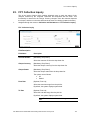
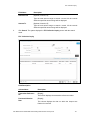
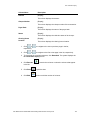
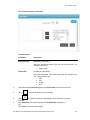
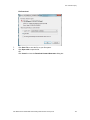
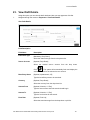
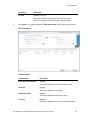
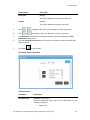
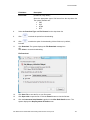
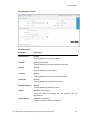
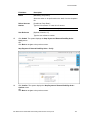
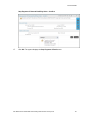
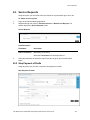
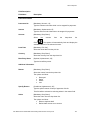
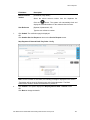
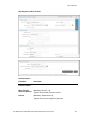
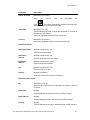
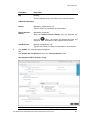
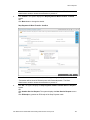
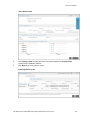
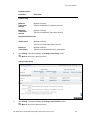
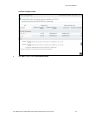
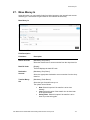
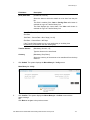
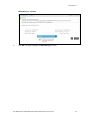
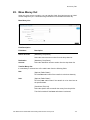
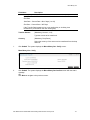
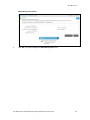
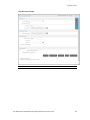
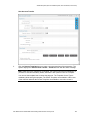
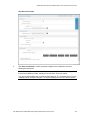
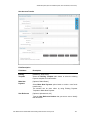
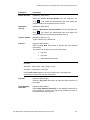
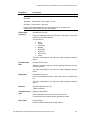
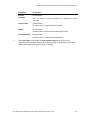
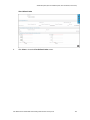
Beneficiary Maintenance Field Name Beneficiary Email Description [Optional, Alphanumeric, 35] Type the Beneficiary Email Address. Mode of Delivery [Mandatory, Radio button] Select the Mode of Delivery options by selecting the respective radio button. Options are: Branch Note: If you select branch radio button then also select city and branch from the dropdowns shown. If you select courier or post radio button then those two dropdowns will be disabled. Visibility Courier Post [Mandatory, Drop-Down] Select the Beneficiary Access Level from the drop-down list. The options are : Public Private 3. Enter the relevant information. 4. Click Back. The system displays the Beneficiary Maintenance screen. OR Click Add to create a beneficiary. The system displays the Beneficiary Maintenance Add Beneficiary - Verify screen. User Manual Oracle FLEXCUBE Direct Banking Retail Transfer and Payments 25