1
Beneficiary Maintenance
23.
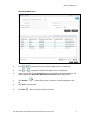
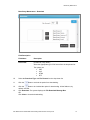
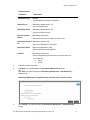
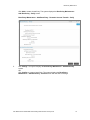
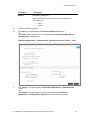
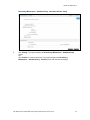
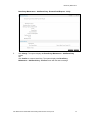
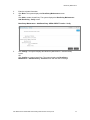
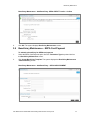
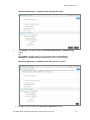
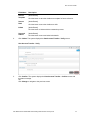
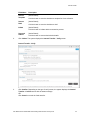
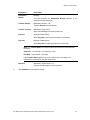
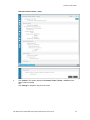
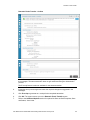
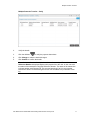
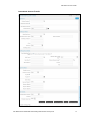
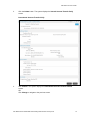
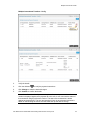
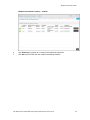
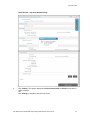
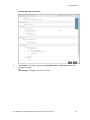
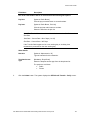
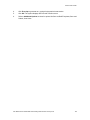
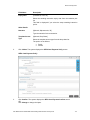
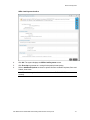
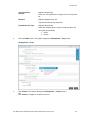
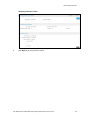
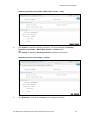
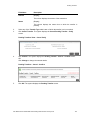
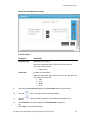
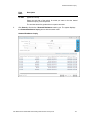
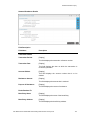
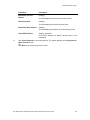
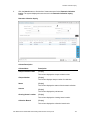
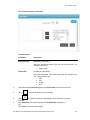
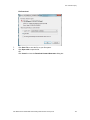
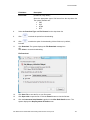
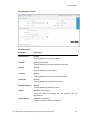
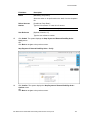
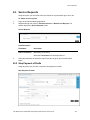
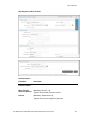
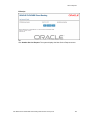
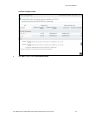
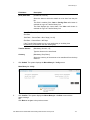
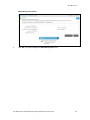
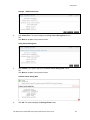
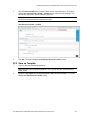
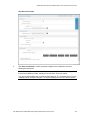
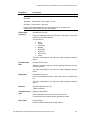
Click Confirm. The system displays the Beneficiary Maintenance – Delete Beneficiary
– Confirm screen.
OR
Click Back to navigate to the previous screen.
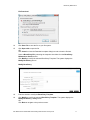
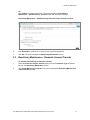
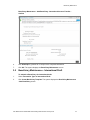
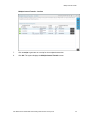
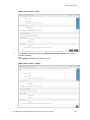
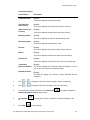
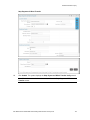
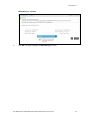
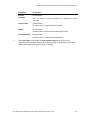
Beneficiary Maintenance – Delete Beneficiary – Confirm
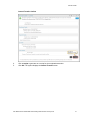
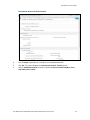
24.
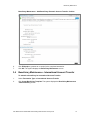
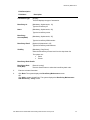
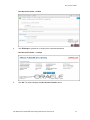
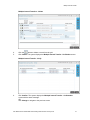
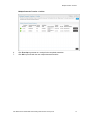
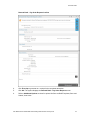
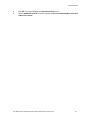
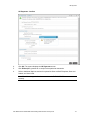
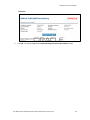
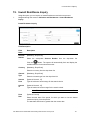
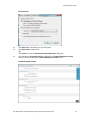
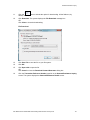
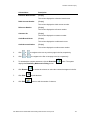
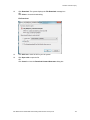
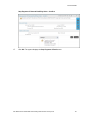
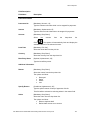
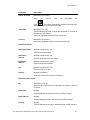
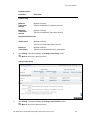
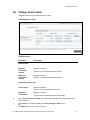
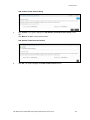
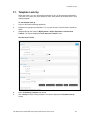
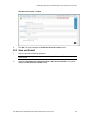
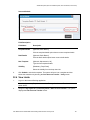
Click OK. The system displays the initial Beneficiary Maintenance screen.
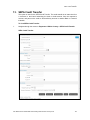
3.2
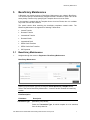
Beneficiary Maintenance - Internal Account Transfer
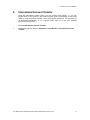
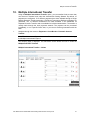
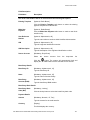
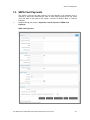
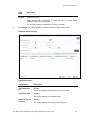
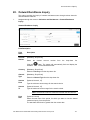
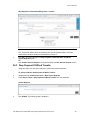
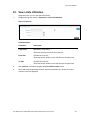
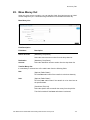
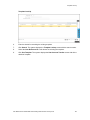
To maintain a beneficiary for internal account transfer
1.
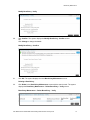
Select the Internal Account Transfers option from the Transaction Type drop-down list
from the Beneficiary Maintenance screen.
2.
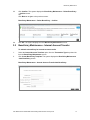
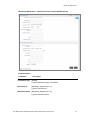
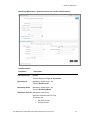
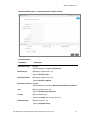
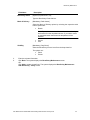
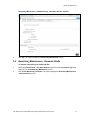
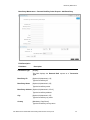
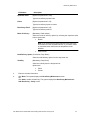
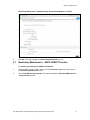
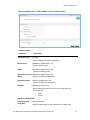
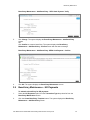
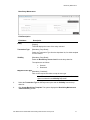
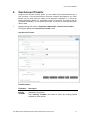
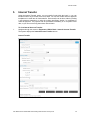
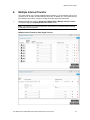
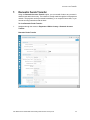
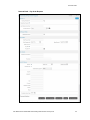
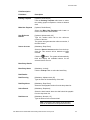
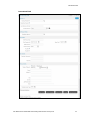
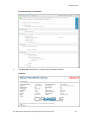
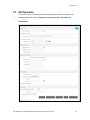
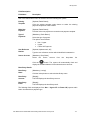
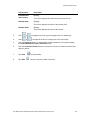
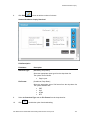
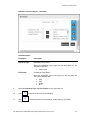
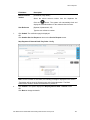
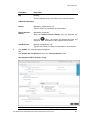
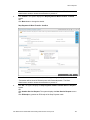
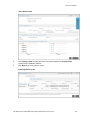
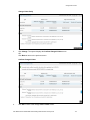
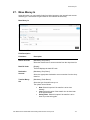
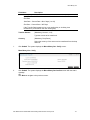
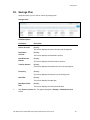
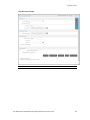
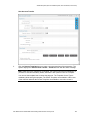
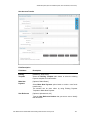
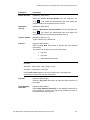
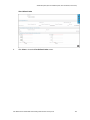
Click Create Beneficiary Template. The system displays the Beneficiary Maintenance
- Add Beneficiary screen.
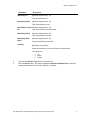
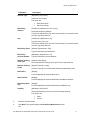
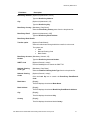
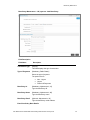
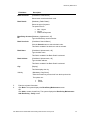
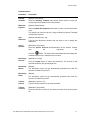
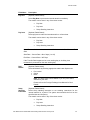
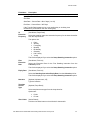
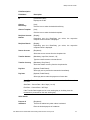
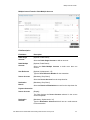
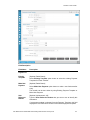
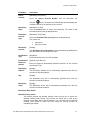
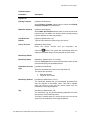
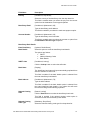
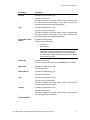
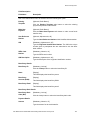
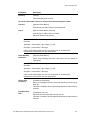
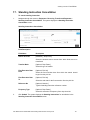
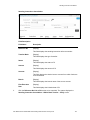
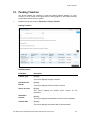
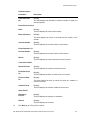
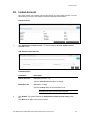
Beneficiary Maintenance - Internal Account Transfer Add Beneficiary
User Manual Oracle FLEXCUBE Direct Banking Retail Transfer and Payments
13