1
Chapter 4: Example for receiving updates
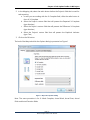
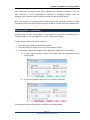
4. The accepted and rejected tasks are presented on the image below.
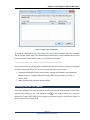
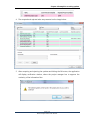
5. After accepting and rejecting the updates and hitting the Ok button, the application
will display notification window, where the project manager has to approve the
continuity of the information flow.
Page | 20
Seavus Project Viewer User Manual