1
Supervisor documentation
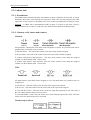
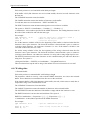
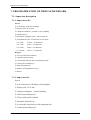
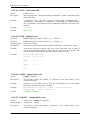
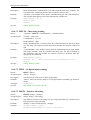
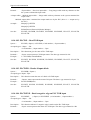
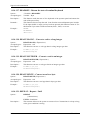
Each serial port have a received buffer with 500 bytes length
If the buffer is full (500 characters are received and unread), the new received characters clear
the first one.
The CLEARIN instruction clears this buffer.
The CARIN instruction returns the number of characters in the buffer.
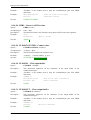
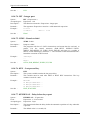
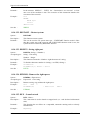
To read data, there are two instructions : INPUT and INPUT$.
The INPUT instruction waits the data and assigns the received data to variables.
The syntax is : INPUT #<ComNumber>, <Variable> [ {, <Variable> } ]
<ComNumber> is the number specified in the OPEN instruction. The reading data must come in
the order of the variable list and with the same type.
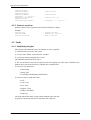
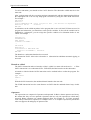
For example :
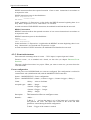
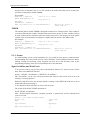
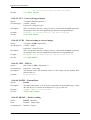
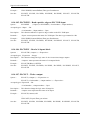
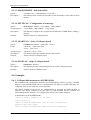
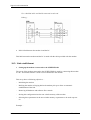
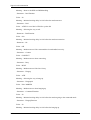
OPEN "SERIAL1:" AS #1
INPUT #1, B$, C%
CLOSE #1
' Open the serial port 1 affected to canal 1
' Read a string and an integer
' Close the serial port
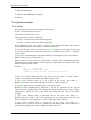
For all the numeric variables of the list, the beginning of the number is detected when the first
character is not a space character. The end of the character is detected with a space, a comma or
a carriage return character. An underscore character is a zero. If the numeric variable is not
valid, the variable takes the zero value.
For all the string variables of the list, the beginning of the string is detected when the first
character is not a space character. The end of the character is detected with a space, a comma or
a carriage return character. An underscore character is a string with a string length equal to zero.
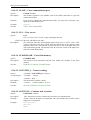
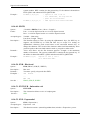
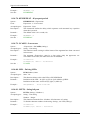
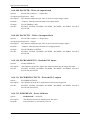
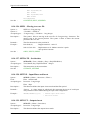
The INPUT$ instruction reads some characters on the communication port and stores them in a
string char. The syntax is :
<StringcharVariable> = INPUT$ (#<ComNumber>, <LengthOfCharacters>)
This two instructions stop the task as long as the number of received characters is not valid.
6-4- Writing data
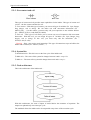
Transmit buffer
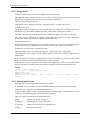
Each serial port have a transmit buffer with 500 bytes length
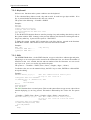
The characters, which are sent by a task with the PRINT instruction, are send to the transmit
buffer. These characters are transmitted one after one on the serial link.
If the transmit buffer is full (500 characters in the buffer), the task, which wants to send data, is
suspended as long as the transmit buffer is full.
The CLEAROUT instruction clears the buffer.
The CAROUT instruction returns the number of characters in the transmit buffer.
The OUTEMPTY instruction indicates if the buffer is empty and the last character is sent.
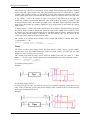
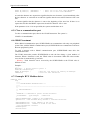
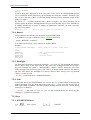
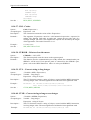
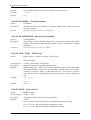
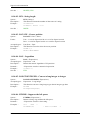
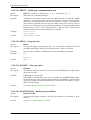
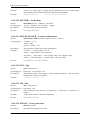
The PRINT instruction converts data and send them. The syntax is :
PRINT #<ComNumber>, <Expression> [ { [ ; | , ] <Expression> } ] [ ; | , ]
<ComNumber> is the number specified in the OPEN instruction.
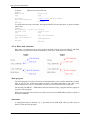
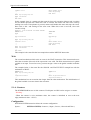
For example :
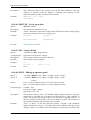
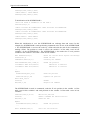
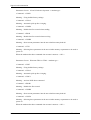
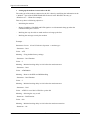
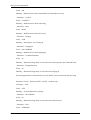
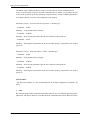
OPEN "SERIAL1:" AS #1
...
PRINT #1, A$, B%;
PRINT #1, C$,
R403
' Open the communication port 1
' Send a string of char and an integer
- 69 -
SERAD S.A.