1
CHANGING SETTINGS
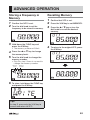
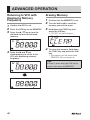
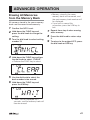
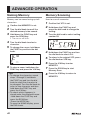
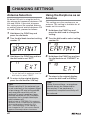
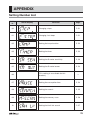
Changing Steps
Changing Fast Steps
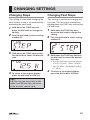
This setting is used when changing the
step. Initially, a step is set automatically
depending on each band.
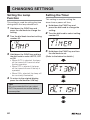
This setting is used when changing the
fast step. The fast step is available by
holding down the FUNC key and turning
the dial knob.
1
2
3
4
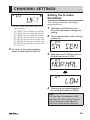
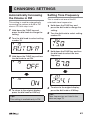
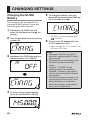
Hold down the FUNC key and
press the dial knob to change the
setting.
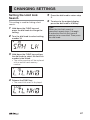
Turn the dial knob to select setting
number 00.
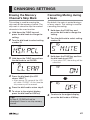
Hold down the FUNC key and turn
the dial knob to select the desired
step.
To return to the original display,
press the dial knob or V/M key.
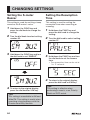
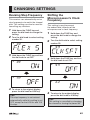
1
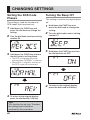
Hold down the FUNC key and
press the dial knob to change the
setting.
2
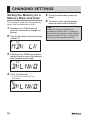
Turn the dial knob to select setting
number 01.
3
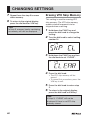
Hold down the FUNC key and turn
the dial knob to select the desired
fast step.
• The fast step can be set as follows:
10 kHz, 100 kHz, 1 MHz, 10 MHz
and 100 MHz. (The default setting
is 1 MHz.)
4
To return to the original display,
press the dial knob or V/M key.
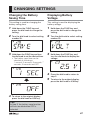
Tips:
A 9 kHz step can be set only in AM
mode. An 8.33 kHz step can be set
in the air traffic control band.
51