1
CHANGING SETTINGS
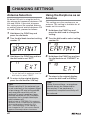
Antenna Selection
By default AR-mini is using the built-in
bar antenna for frequencies between 100
kHz and 5 MHz. If you wish to bypass
this setting to use the supplied antenna
or another external antenna between 100
kHz and 5 MHz, proceed as follows:
1
2
3
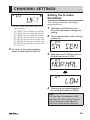
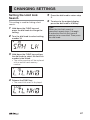
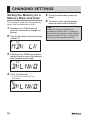
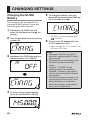
Hold down the FUNC key and
press the dial knob.
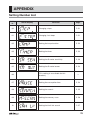
Turn the dial knob to select setting
number 17.
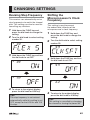
Hold down the FUNC key and turn
the dial knob to set “EXT”.
• To set the built-in antenna, turn the
dial knob to select “BAR”.
4
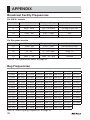
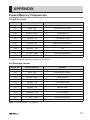
To return to the original display,
press the dial knob or V/M key.
Tips:
Please note that if the antenna type
is not matched, or the antenna signal
is too strong, AR-mini will overload
and reception sensitivity will be
reduced. In most cases any large
external antenna will NOT improve
reception, but a simple telescopic
whip antenna will.
Special note to TESTERS: This antenna
selection issue is important for someone
who would perform sensitivity, IP3,
etc... measurements. If the setting is
not changed to EXT, test results would
appear extremely bad on shortwave.
62
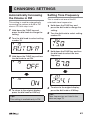
Using the Earphone as an
Antenna
This setting uses the earphone as an
antenna. This setting is available for all
bands on this receiver.
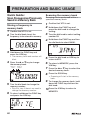
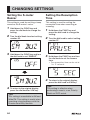
1
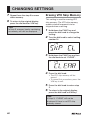
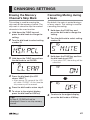
Hold down the FUNC key and
press the dial knob to change the
setting.
2
Turn the dial knob to select setting
number 18.
3
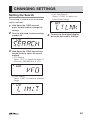
Hold down the FUNC key and turn
the dial knob to set “EARANT” or
“EXT”.
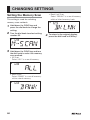
4
To return to the original display,
press the dial knob or V/M key.
Tips:
Under these settings, an earphone
should always be connected to
the receiver. If no earphone is
connected, reception sensitivity will
be reduced.