1
Rivers Database Version 3 (2007)
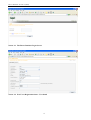
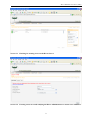
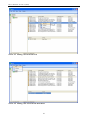
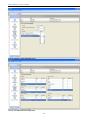
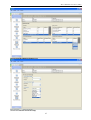
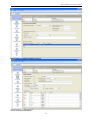
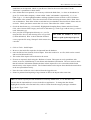
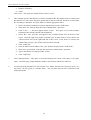
Screen 3.7 Uploading photographs to a site
4. RIVERS CLIENT
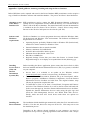
Sections A, B and C of the Rivers Client (Figure 4.1) form the main body of the Rivers Database for the
inclusion of information which both characterises a site and provides information for the assessment of
the condition of a river at a particular site at a given time. The field datasheets for the collection of river
health data form the basis for the design of this component of the Rivers Database and a full description
of some of the information included in the database has been taken from the associated site
characterisation manual (Dallas 2005). Sections A, B and C vary with regard to the nature of information
entered and the frequency of assessment as follows:
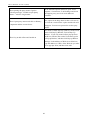
Section A
Type of information
Site specific information
Section B
Site visit information
Section C
Site visit information
Frequency of assessment
Entered during or after the first site visit
Entered during the first site visit, checked and
reassessed on each site visit
Assessed during each site visit
4.1. Using the River Tree View to navigate to Sites and Site Visits
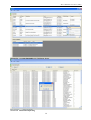
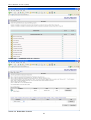
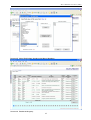
The Rivers Client provides the user with an efficient mechanism to locate sites and site visit data. This
involves searching for either sites or rivers, loading and navigating (either up or down) the River Tree
View that is associated with the selected river/site, and selecting the required site and/or site visit from the
available lists. Once the relevant site or site visit has been found, the user can view (and potentially edit
depending on ownership) the data for the selected site and/or site visit. The process always starts on one
of the two search forms i.e. river or site search form. The forms can be pinned (always visible) or
unpinned (forms available via tags on the left of the screen and automatically hidden when the user
navigates off the form). Common search criteria (e.g. river name, site name, drainage region) are
provided by default, as well as whether the river is a tributary or a main river (not a tributary of any river).
Additional criteria (e.g. water management area) are available if a more refined search is required. Search
criteria are cleared after each search. Search results, either sites or rivers, are displayed in alphabetical
12