1
CONFIGURING THE SWITCH
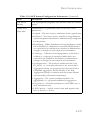
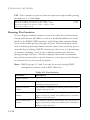
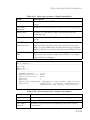
- Be careful when switching between spanning tree modes. Changing
modes stops all spanning-tree instances for the previous mode and
restarts the system in the new mode, temporarily disrupting user
traffic.
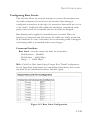
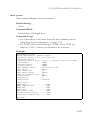
Command Attributes
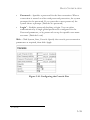
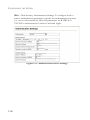
Basic Configuration of Global Settings
•
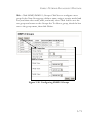
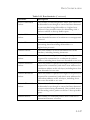
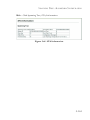
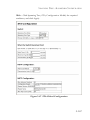
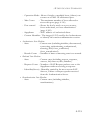
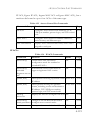
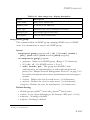
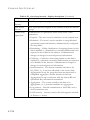
Spanning Tree State – Enables/disables STA on this switch.
(Default: Enabled)
•
Spanning Tree Type – Specifies the type of spanning tree used on
this switch:
-
•
STP: Spanning Tree Protocol (IEEE 802.1D); i.e., when this
option is selected, the switch will use RSTP set to STP forced
compatibility mode).
RSTP: Rapid Spanning Tree (IEEE 802.1w)
MSTP: Multiple Spanning Tree (IEEE 802.1s); MSTP is the
default.
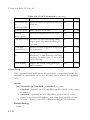
Priority – Bridge priority is used in selecting the root device, root port,
and designated port. The device with the highest priority becomes the
STA root device. However, if all devices have the same priority, the
device with the lowest MAC address will then become the root device.
(Note that lower numeric values indicate higher priority.)
- Default: 32768
- Range: 0-61440, in steps of 4096
- Options: 0, 4096, 8192, 12288, 16384, 20480, 24576, 28672, 32768,
36864, 40960, 45056, 49152, 53248, 57344, 61440
Root Device Configuration
•
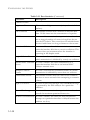
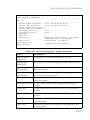
Hello Time – Interval (in seconds) at which the root device transmits
a configuration message.
- Default: 2
- Minimum: 1
- Maximum: The lower of 10 or [(Max. Message Age / 2) -1]
3-164