1
SYSTEM MANAGEMENT COMMANDS
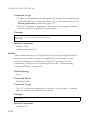
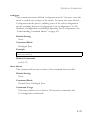
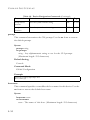
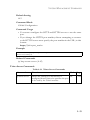
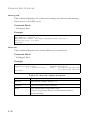
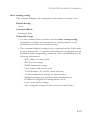
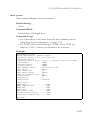
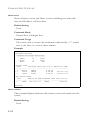
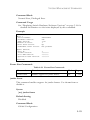
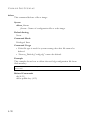
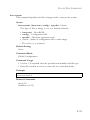
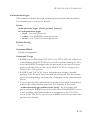
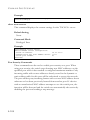
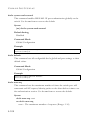
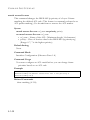
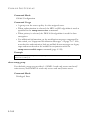
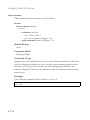
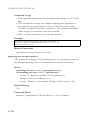
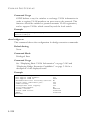
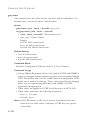
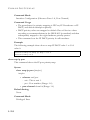
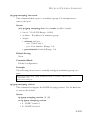
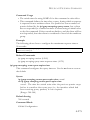
Default Setting
443
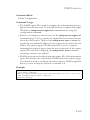
Command Mode
Global Configuration
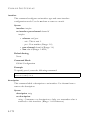
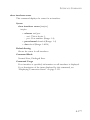
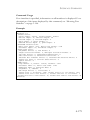
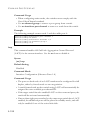
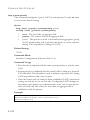
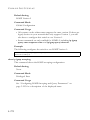
Command Usage
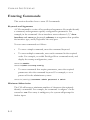
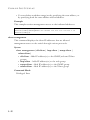
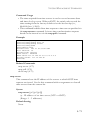
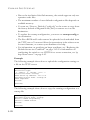
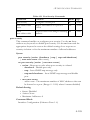
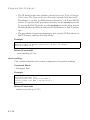
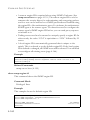
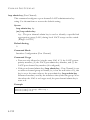
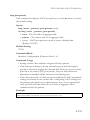
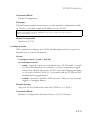
• You cannot configure the HTTP and HTTPS servers to use the same
port.
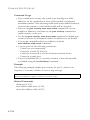
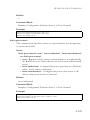
• If you change the HTTPS port number, clients attempting to connect
to the HTTPS server must specify the port number in the URL, in this
format:
https://device:port_number
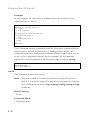
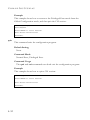
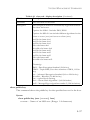
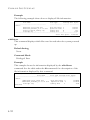
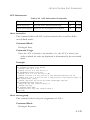
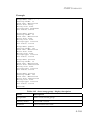
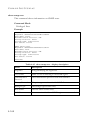
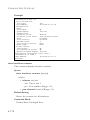
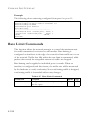
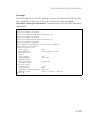
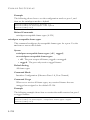
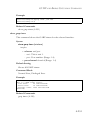
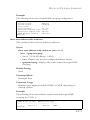
Example
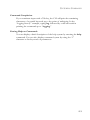
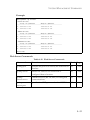
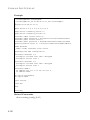
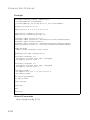
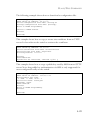
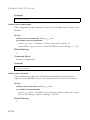
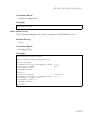
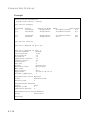
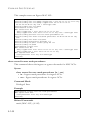
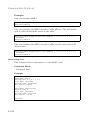
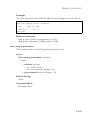
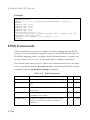
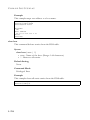
Console(config)#ip http secure-port 1000
Console(config)#
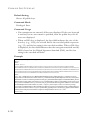
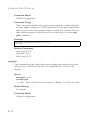
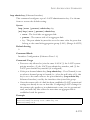
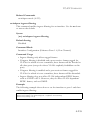
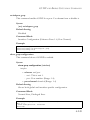
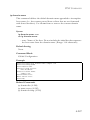
Related Commands
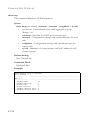
ip http secure-server (4-43)
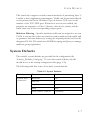
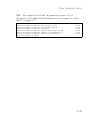
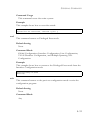
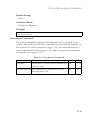
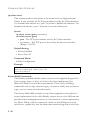
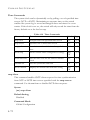
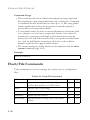
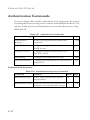
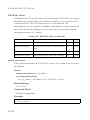
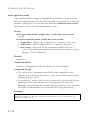
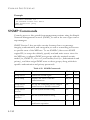
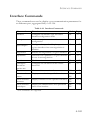
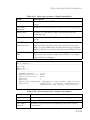
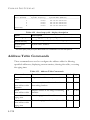
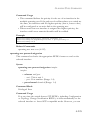
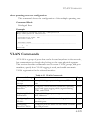
Telnet Server Commands
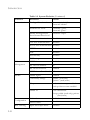
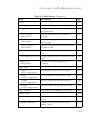
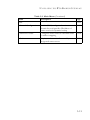
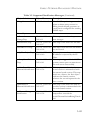
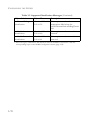
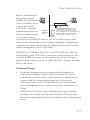
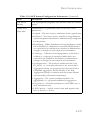
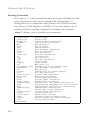
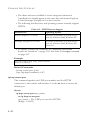
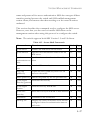
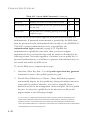
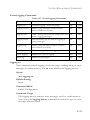
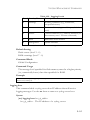
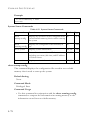
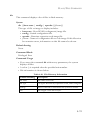
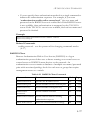
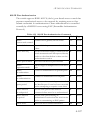
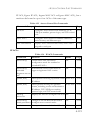
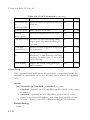
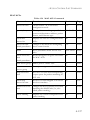
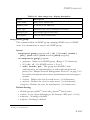
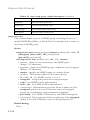
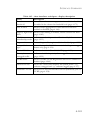
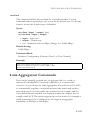
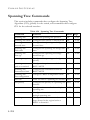
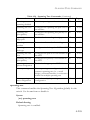
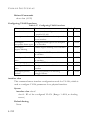
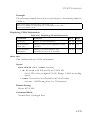
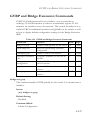
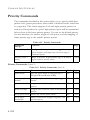
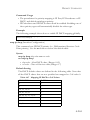
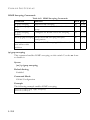
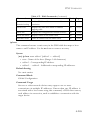
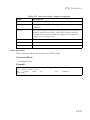
Table 4-14 Telnet Server Commands
Command
Function
Mode Page
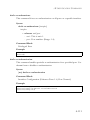
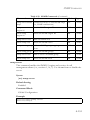
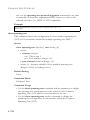
ip telnet server
Allows the switch to be monitored or
GC
configured from Telnet; also specifies the port
to be used by the Telnet interface
4-42
4-45