1
CLASS OF SERVICE CONFIGURATION
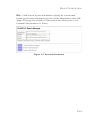
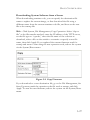
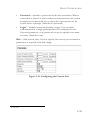
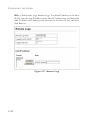
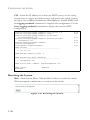
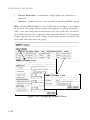
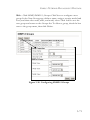
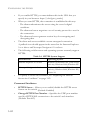
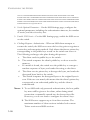
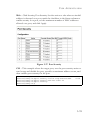
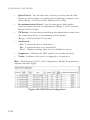
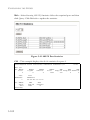
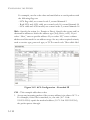
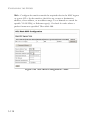
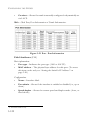
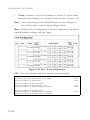
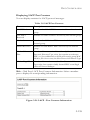
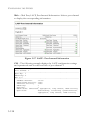
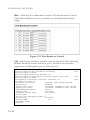
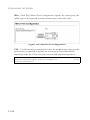
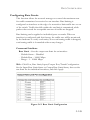
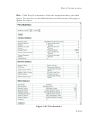
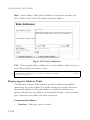
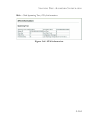
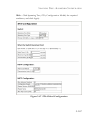
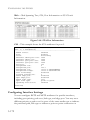
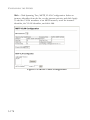
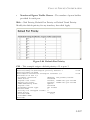
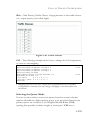
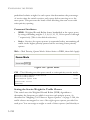
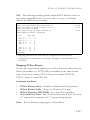
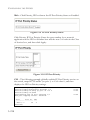
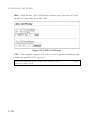
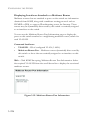
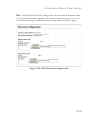
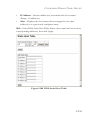
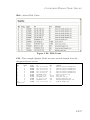
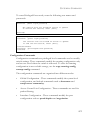
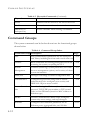
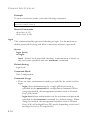
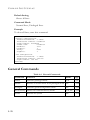
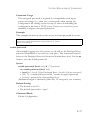
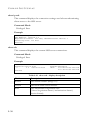
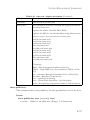
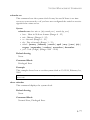
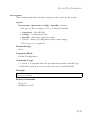
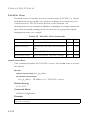
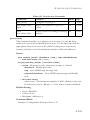
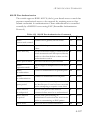
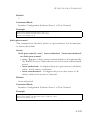
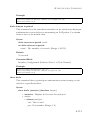
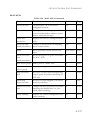
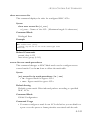
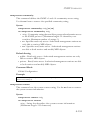
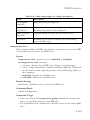
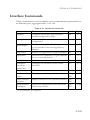
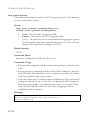
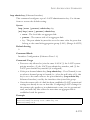
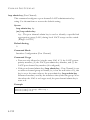
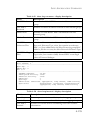
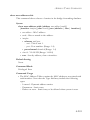
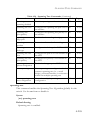
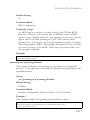
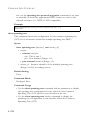
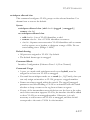
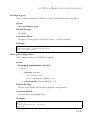
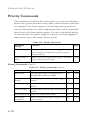
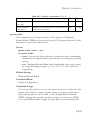
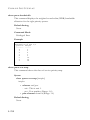
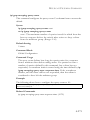
Web – Click Priority, Traffic Classes. Assign priorities to the traffic classes
(i.e., output queues), then click Apply.
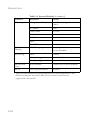
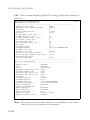
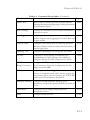
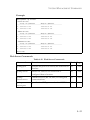
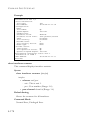
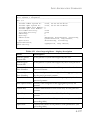
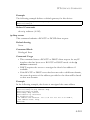
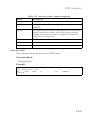
Figure 3-85 Traffic Classes
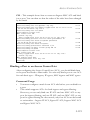
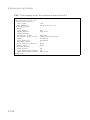
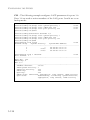
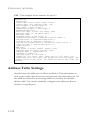
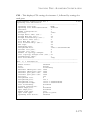
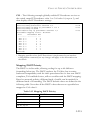
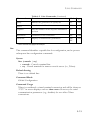
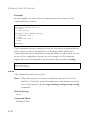
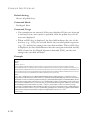
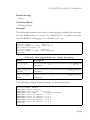
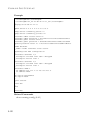
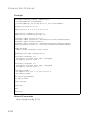
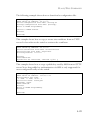
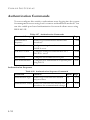
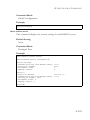
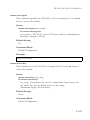
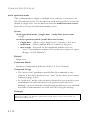
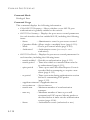
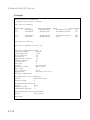
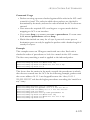
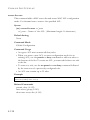
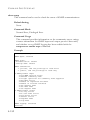
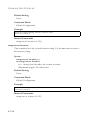
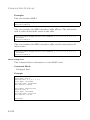
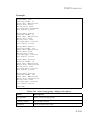
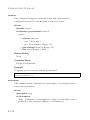
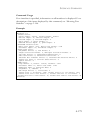
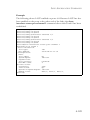
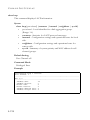
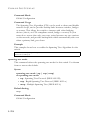
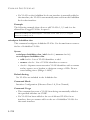
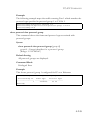
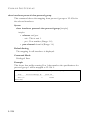
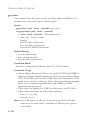
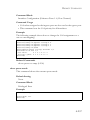
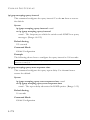
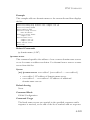
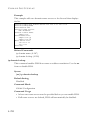
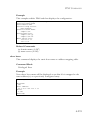
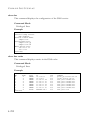
CLI – The following example shows how to change the CoS assignments
to a one-to-one mapping.
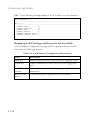
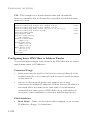
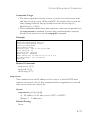
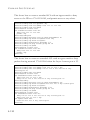
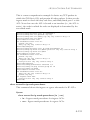
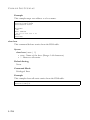
Console(config)#interface ethernet 1/1
Console(config-if)#queue cos-map 0 0
Console(config-if)#queue cos-map 1 1
Console(config-if)#queue cos-map 2 2
Console(config-if)#end
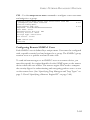
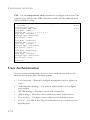
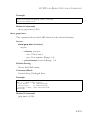
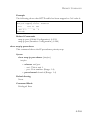
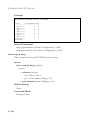
Console#show queue cos-map ethernet 1/1
Information of Eth 1/1
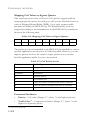
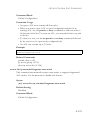
CoS Value:
0 1 2 3 4 5 6 7
Priority Queue: 0 1 2 3 4 5 6 7
Console#
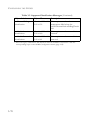
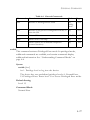
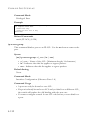
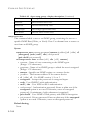
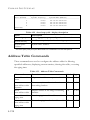
4-170
4-256
4-258
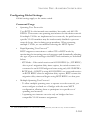
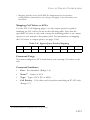
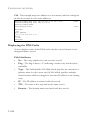
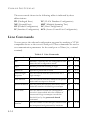
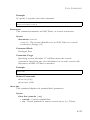
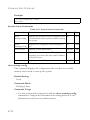
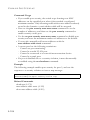
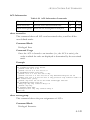
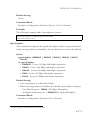
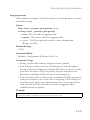
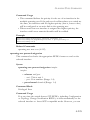
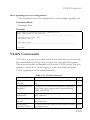
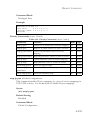
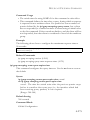
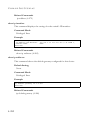
* Mapping specific values for CoS priorities is implemented as an interface
configuration command, but any changes will apply to the all interfaces on
the switch.
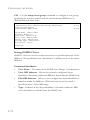
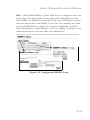
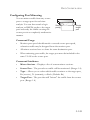
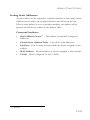
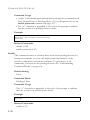
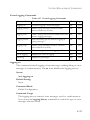
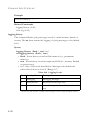
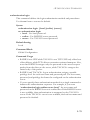
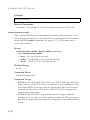
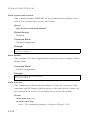
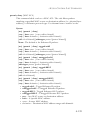
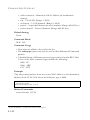
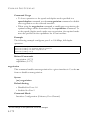
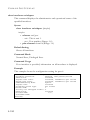
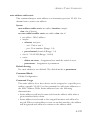
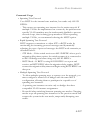
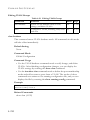
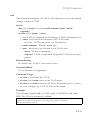
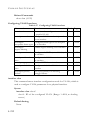
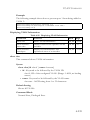
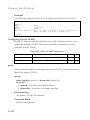
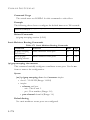
Selecting the Queue Mode
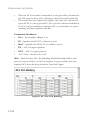
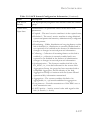
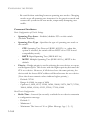
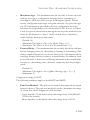
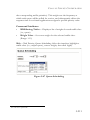
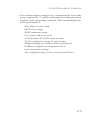
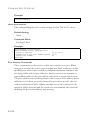
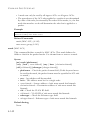
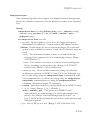
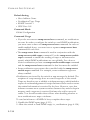
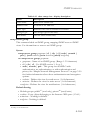
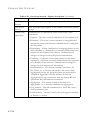
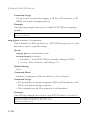
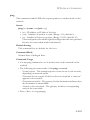
You can set the switch to service the queues based on a strict rule that
requires all traffic in a higher priority queue to be processed before lower
priority queues are serviced, or use Weighted Round-Robin (WRR)
queuing that specifies a relative weight of each queue. WRR uses a
3-209