1
COMMAND LINE INTERFACE
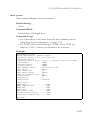
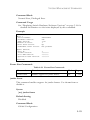
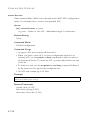
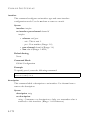
Command Usage
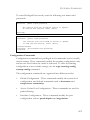
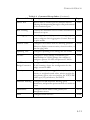
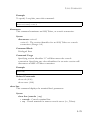
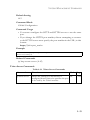
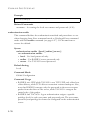
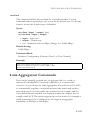
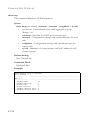
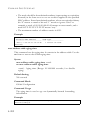
The switch must use IGMPv2 for this command to take effect.
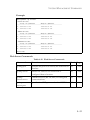
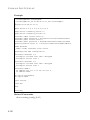
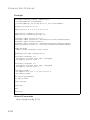
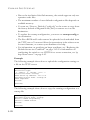
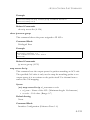
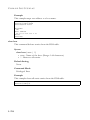
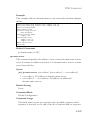
Example
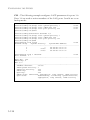
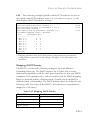
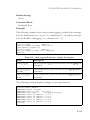
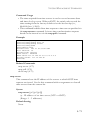
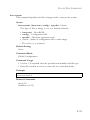
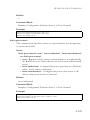
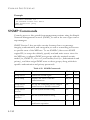
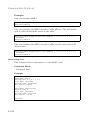
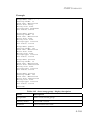
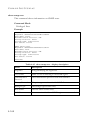
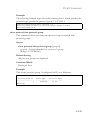
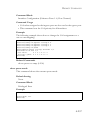
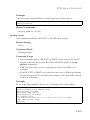
The following shows how to configure the default timeout to 300 seconds:
Console(config)#ip igmp snooping router-port-expire-time 300
Console(config)#
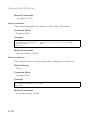
Related Commands
ip igmp snooping version (4-269)
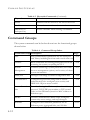
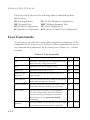
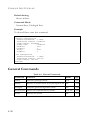
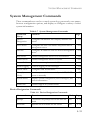
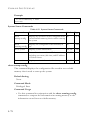
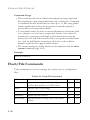
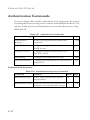
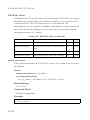
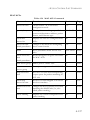
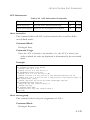
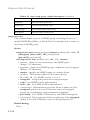
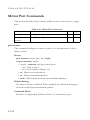
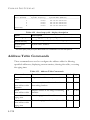
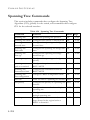
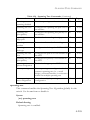
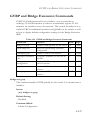
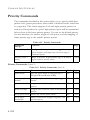
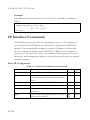
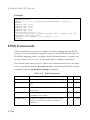
Static Multicast Routing Commands
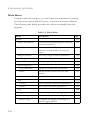
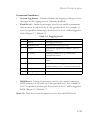
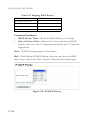
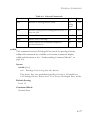
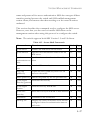
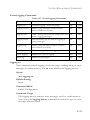
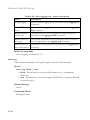
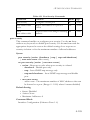
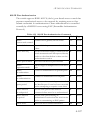
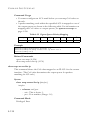
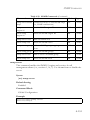
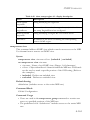
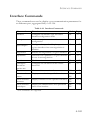
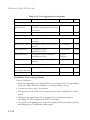
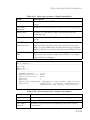
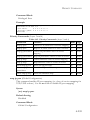
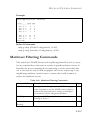
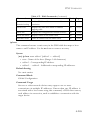
Table 4-71 Static Multicast Routing Commands
Command
Function
Mode
Page
ip igmp snooping
vlan mrouter
Adds a multicast router port
GC
4-276
show ip igmp
snooping mrouter
Shows multicast router ports
PE
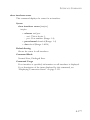
4-277
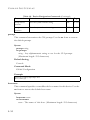
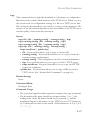
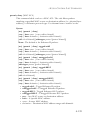
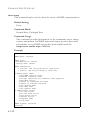
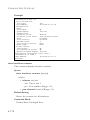
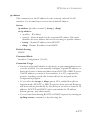
ip igmp snooping vlan mrouter
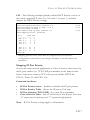
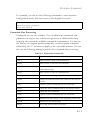
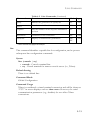
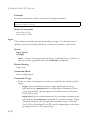
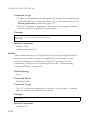
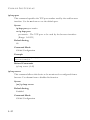
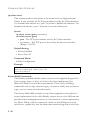
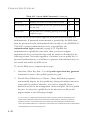
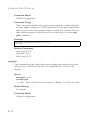
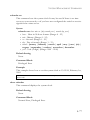
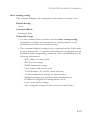
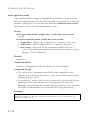
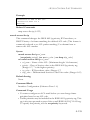
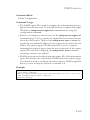
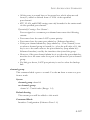
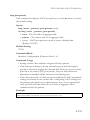
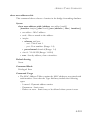
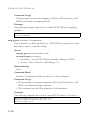
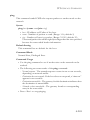
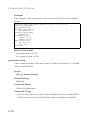
This command statically configures a multicast router port. Use the no
form to remove the configuration.
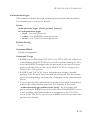
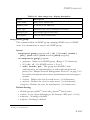
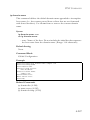
Syntax
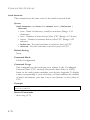
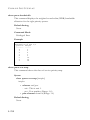
[no] ip igmp snooping vlan vlan-id mrouter interface
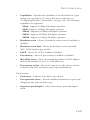
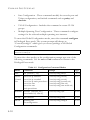
• vlan-id - VLAN ID (Range: 1-4094)
• interface
• ethernet unit/port
- unit - This is unit 1.
- port - Port number. (Range: 1-8)
• port-channel channel-id (Range: 1-4)
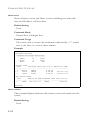
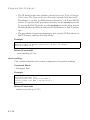
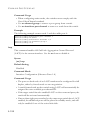
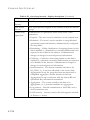
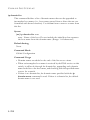
Default Setting
No static multicast router ports are configured.
4-276