1
BROWSER MENU
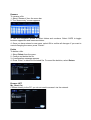
Browse and play music, photo and movie files stored on the HDD of your LCPRO-35MPR-HDMI or an external USB device, card reader, network or playlist.
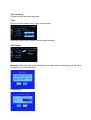
Browsing all
Select All in menu.
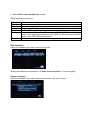
Select folder(s) containing all files (music, photo and movie). Select the file you want to
view and it will be displayed.
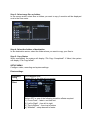
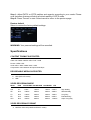
File Edit Menu
Select the file or folder and click “Edit”.
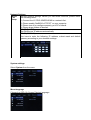
Return
Select to go back to the main screen.