1
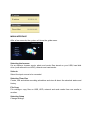
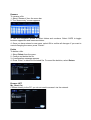
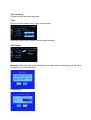
2. Select Add a new schedule and confirm.
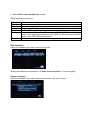
Adjust settings according to:
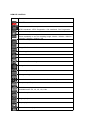
Source
Start time
Length
Repeat
Device
Quality
Preview
Video
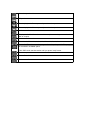
Enter recording date and time.
Enter recording length
Program a recording schedule.
USB or HDD support regarding the destination folder of your record.
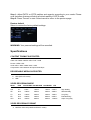
Select the recording quality. Choose from HQ, SLP, EP, LP and SP. High
quality level requires more space on the HDD. On the left screen the free
space of the HDD/USB will be shown.
Show the currently selected channel program.
Edit Schedules
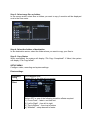
Select the schedule you want to edit from the list.
Modify the schedule as described in “Create a new schedule” on previous page.
Delete schedules
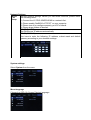
Select the schedule you want to delete and confirm one, all or cancel.