1
LPC 48 / 96 Users Manual
7 Chase
LPC uses Chase patterns to run sequences. Chases can be linked to Cues or
Submasters, or selected and controlled from a front panel fader.
The first four chases are permanent system chases, and cannot be altered.
There are a total of sixteen programmable chase patterns available.
7.1 Chase properties
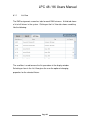
Each LPC chase has the following properties:
Pattern - specified which chase is being recorded.
Step - shows the last step saved
Rate - the speed of the chase, shown in Beats Per Minute (BPM)
Loop Count – Setting a value for Loop Count will stop the chase after a
specific number of cycles.
Blend - Chases can be set to snap from step to step, or fade from one step to
the next. Setting blend to zero sets the chase to snap, and a blend value of
100% will produce a fluid chase that is constantly fading from one step to the
next.
Title – A name given to a specific Chase pattern.
7.2 Recording Chases
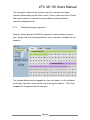
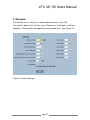
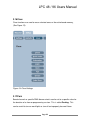
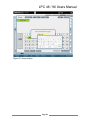
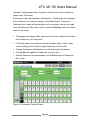
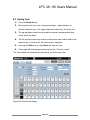
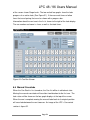
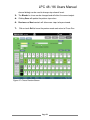
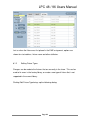
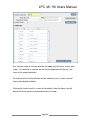
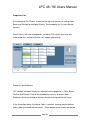
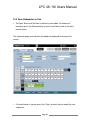
Select Record Chase to see the options for building a new chase. Data relating
to the specific chase is shown at the top of the screen, and channel data is
shown below, (See Figure 35).
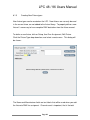
Patterns 1 - 4 are permanent and the steps cannot be changed.
1. In Record mode select the Pattern number from the menu.
Page 56