1
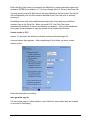
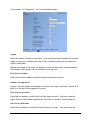
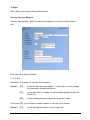
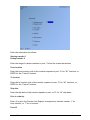
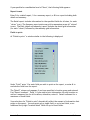
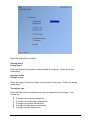
Master plan ID
Enter the ID of the master plan for this report, or use F1 to find the next master plan
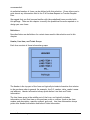
Starting Categ/Sub-cat/Vendor/(tag)
Ending Categ/Sub-cat/Vendor/(tag)
Enter the range of planning classifications to be included on the report. Follow the
screen instructions.
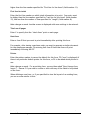
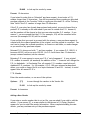
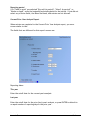
Print using
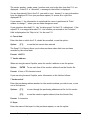
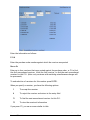
Your report may show up to three sets of figures for each month. Enter up to three
characters to designate the figures to print. Your choices are:
R Retail
U Units
C Cost
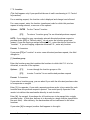
Buyer
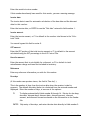
Enter the buyer for whom you want plans to be printed, or use F1 for "All" buyers
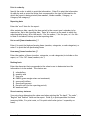
New page for each plan ?
Answer Y if you want to print each plan on a separate page. Otherwise, answer N.
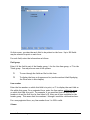
For a multi-location "separate" master plan, up to two additional fields appear:
Location
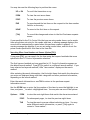
Enter the location for which you want plans to be printed, or use one of these
options:
F1
For "All" locations to be printed separately
F2
For a "Merged" report including all "separate" locations
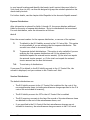
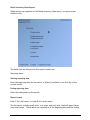
If you press F1 for "All" locations, the following field appears:
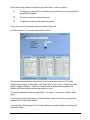
Print in order by
Enter the order in which you want to print the plans, choosing 1 for location/planning
classification, or 2 for planning classification/ location.
You are then asked whether you want to print subtotals for the order you select
(either for location or for planning classification). Answer Y if you wish to print these
Purchasing
Samco Software Inc.
Open to Buy
29.19