1
Report format
Enter D for a detail report, or enter S for a summary report.
The detail report includes information for each of the selected items, grouped as you
specified in the "Print in order by" field, and grand totals. The summary report shows
subtotals only for the main groupings that you specified (for example, for vendors
only, not categories within vendors) and grand totals.
Hot/Cold Analysis Report
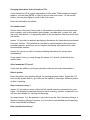
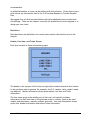
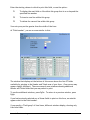
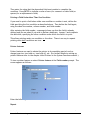
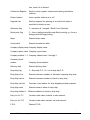
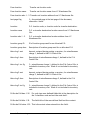
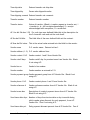
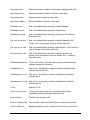
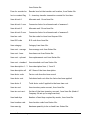
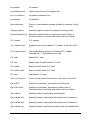
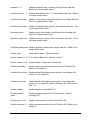
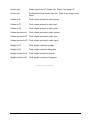
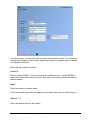
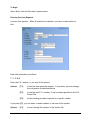
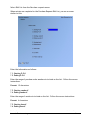
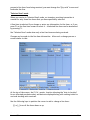
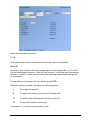
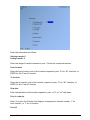
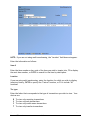
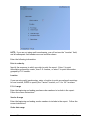
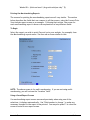
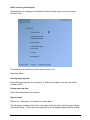
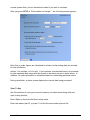
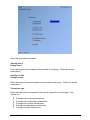
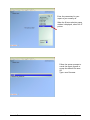
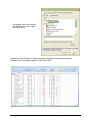
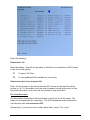
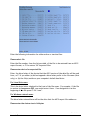
When entries are complete for the Hot/Cold Analysis report, you see a screen similar
to this:
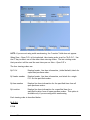
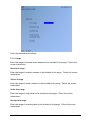
The fields that are different for this report's screen are:
Print report for
Specify the information to be printed on the report. Enter I to print the report for
items, V for vendors, C for categories, or S for Categories/sub-categories.
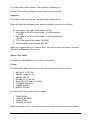
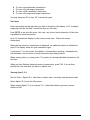
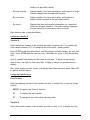
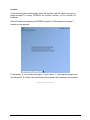
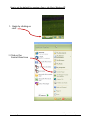
Then you are asked:
Purchasing
Samco Software Inc.
Merchandising Reports
28.10