1
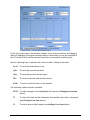
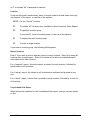
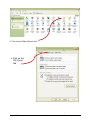
this:
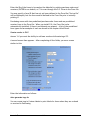
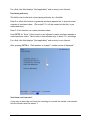
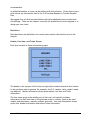
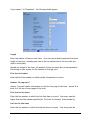
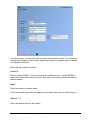
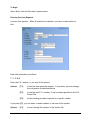
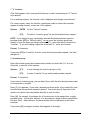
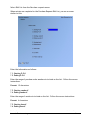
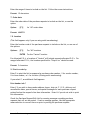
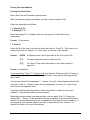
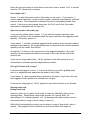
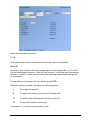
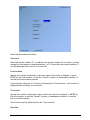
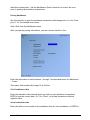
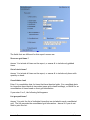
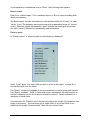
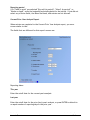
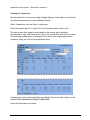
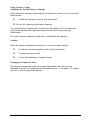
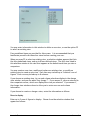
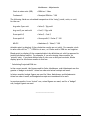
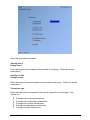
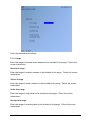
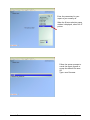
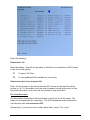
Enter the information as follows:
Purge or compress ?
Enter C to compress merchandise history records into summary records for weeks,
months, seasons, or the year, or enter P to purge the merchandise history records.
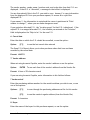
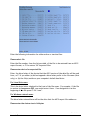
Year-ID to purge (compress)
Enter the ID for the year in which you want to compress or purge merchandise history.
A reporting calendar for year-ID specified must exist in the Calendar file.
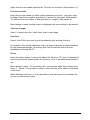
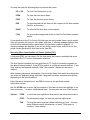
Cutoff date
Enter the cutoff date in the calendar year of the merchandise records to be
compressed or purged.
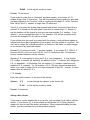
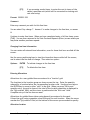
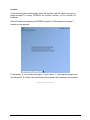
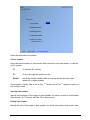
If you specified to compress in field number 1, the following field is displayed:
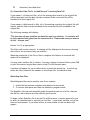
Compress into
Enter W to compress history records into weekly records, M to compress into monthly
records, S to compress into season records, or Y to compress into yearly records. For
each item number and location, one summary record will be created for each of the
weeks, months, seasons, or year defined for the reporting calendar in Setup
Purchasing
Samco Software Inc.
Purge Merchandise History
31.2