1
CANopen Configuration
Bootup Tab
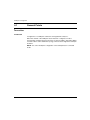
WARNING
UNEXPECTED EQUIPMENT OPERATION
Manually verify all deactivated standard checks on the device before operating the
system.
Changing the default parameters of the Bootup tab will bypass standard system
checks.
Failure to follow these instructions can result in death, serious injury, or
equipment damage.
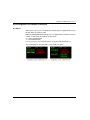
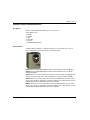
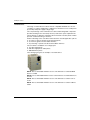
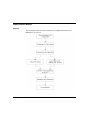
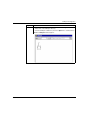
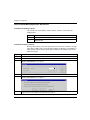
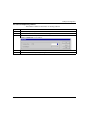
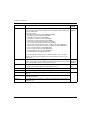
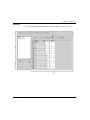
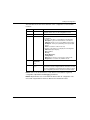
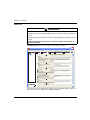
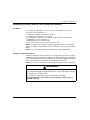
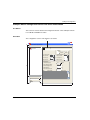
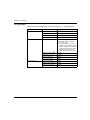
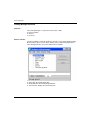
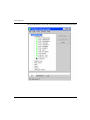
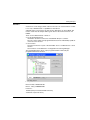
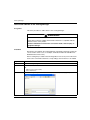
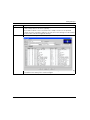
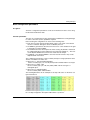
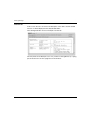
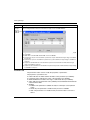
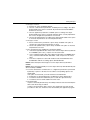
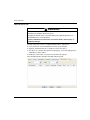
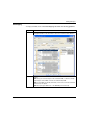
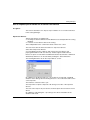
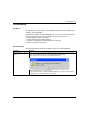
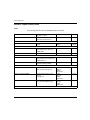
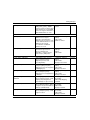
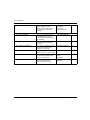
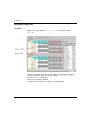
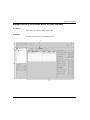
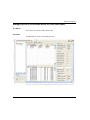
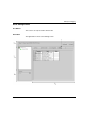
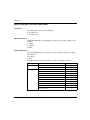
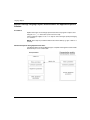
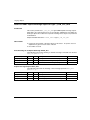
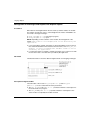
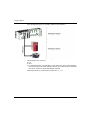
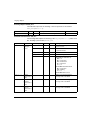
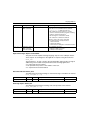
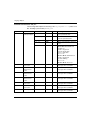
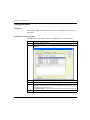
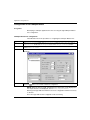
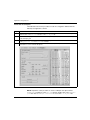
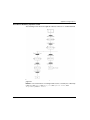
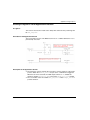
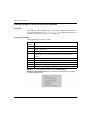
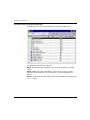
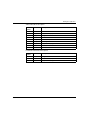
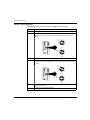
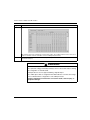
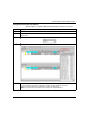
The Bootup tab allows you to configure the Bootup procedure:
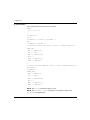
\3.1\0.0 : IcIA_IFA
IcI-IFA CANopen (IcIA-IFA.eds)
IcIA_IFA
Channel 0
PDO
Error control
Power ON
Bootup
Restore communications parameters (1011:02)
Restore application parameters
(1011:03)
Restore all parameters
(1011:01)
Reset
Reset communication parameters
Reset node
(1000:00)
(1018:xx)
Device identity
Download configuration
Force communication parameters
Force application parameters
Start
Strat node
Configuration
Bootup procedure configuration
Restore
No Restore
Check node
Device type
Object dictionary
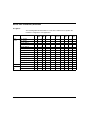
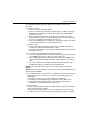
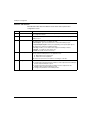
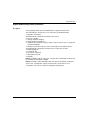
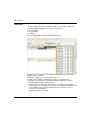
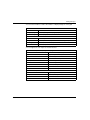
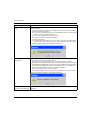
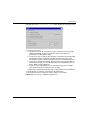
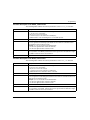
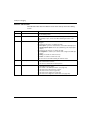
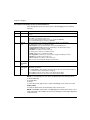
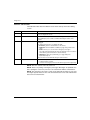
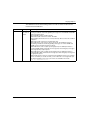
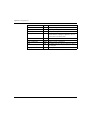
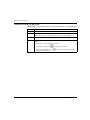
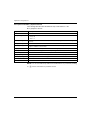
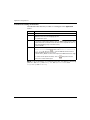
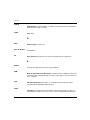
Restore option is used to define the allowed restore
procedure for a CANopen device during startup.
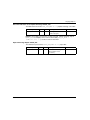
Communication parameters: 0x1000 -> 0x1FFF
Application parameters: 0x6000 -> 0x9FFF
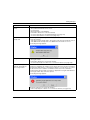
Reset option is used to configure the type of reset
sent to the device.
Communication parameters: 0x1000 -> 0x1FFF
Application parameters: 0x6000 -> 0x9FFF
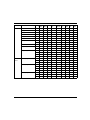
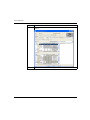
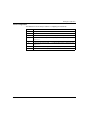
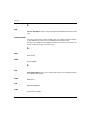
Check the option is used to bypass the device type
(0x1000) or the device identity (0x1018) test.
Download configuration option is used to force the
parameters to be sent even if they are equal to the
default value.
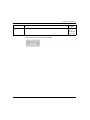
Start option is used to configure whether the device
shall be started automatically by the master or not.
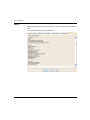
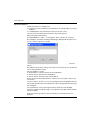
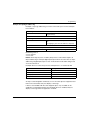
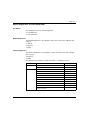
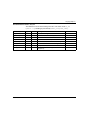
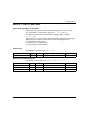
Function:
Default
MAST
PDO transfer
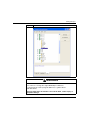
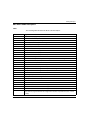
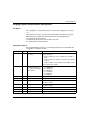
The goal of bootup procedure tab is to bypass the standard bootup procedure for
devices which do not comply with CANopen standards.
76
35013944 07/2012