1
SH-06D_E.book
139 ページ
2012年3月19日 月曜日 午前10時32分
Watching programs/contents
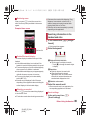
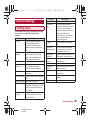
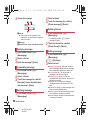
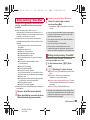
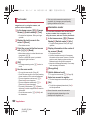
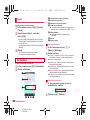
1
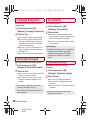
In the home screen, [R]/[NOTTV]
: When you use this for the first time, you must
agree with “初回起動時設定” (Settings for the
initial activation).
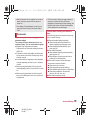
・ Select [同意する] (Agree) to make the
initial setting automatically. Make the initial
setting under a good communication
condition.
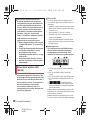
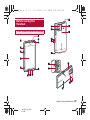
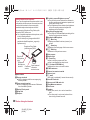
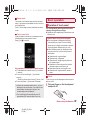
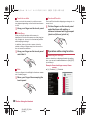
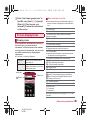
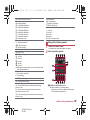
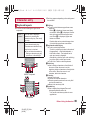
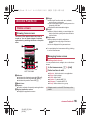
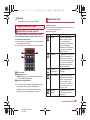
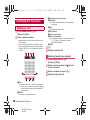
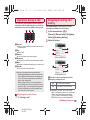
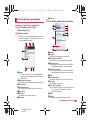
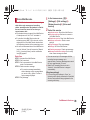
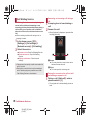
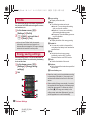
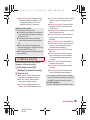
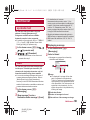
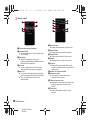
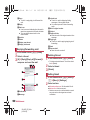
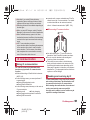
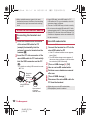
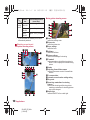
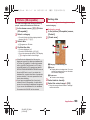
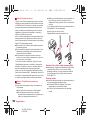
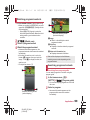
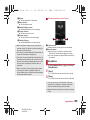
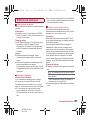
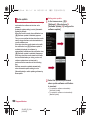
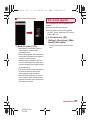
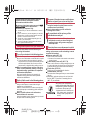
Mobacas watching screen
(horizontal display)
1 Image
Slide it to the left/right to switch
programs/contents.
2 Social key
Displays a timeline related to programs/
contents.
3 Advanced information key
Displays advanced information.
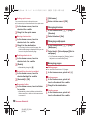
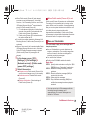
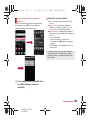
2 [すぐ見る] (Watch now)
3 Select a program/content
the program/content
4 Watch
: Advanced information appears on the
programs/contents which cannot be watched
immediately.
: If the title, the seek bar, etc. is set to be
hidden, [r] appears when you touch the
image. Touch [r] to display the title, the
seek bar, etc.
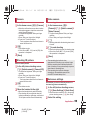
: To adjust the volume: x/y
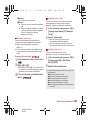
What will be displayed on the Mobacas
watching screen varies depending on the
program/content.
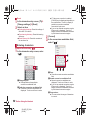
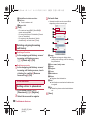
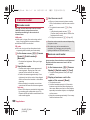
Searching programs/contents
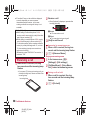
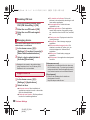
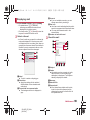
Searching from program guide
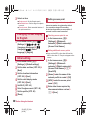
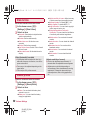
You can watch programs in real time using the
program guide.
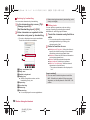
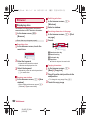
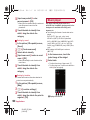
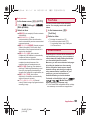
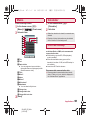
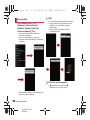
1
2
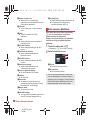
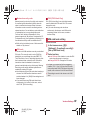
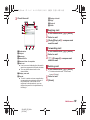
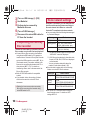
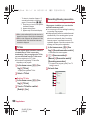
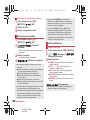
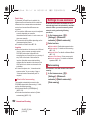
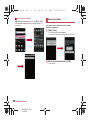
Mobacas watching screen
(vertical display)
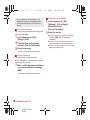
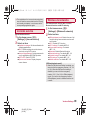
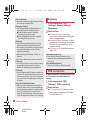
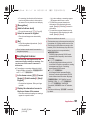
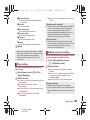
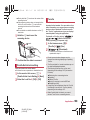
In the home screen, [R]/
[NOTTV]/[番組表] (Program guide)
: You can also display programs as a list from
the menu.
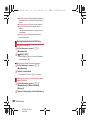
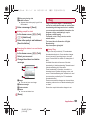
Select a program
: Advanced information appears on the
programs which cannot be watched
immediately.
Applications
SH-06D_E_08.fm
[139/149]
139