1
SH-06D_E.book
31 ページ
2012年3月19日 月曜日 午前10時32分
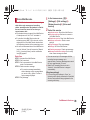
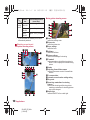
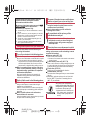
Back up the data saved on a microSD Card and
store in another place. DOCOMO shall not be
liable for any loss or change of the saved data.
Before inserting or removing (including after
unmounting) the microSD Card, turn off the
power, position the back facing upwards and
remove the battery pack. Hold the handset
securely with your both hands. Data may be
damaged or operation may not work properly.
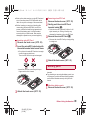
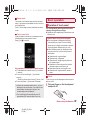
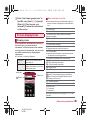
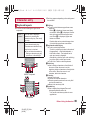
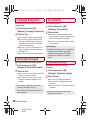
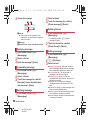
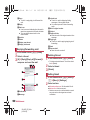
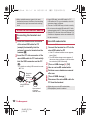
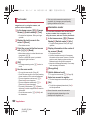
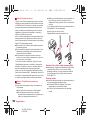
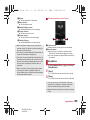
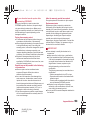
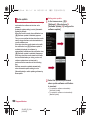
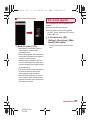
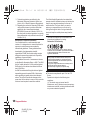
1
2
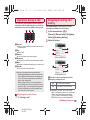
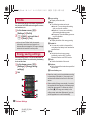
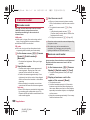
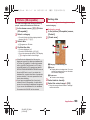
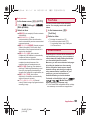
Inserting microSD Card
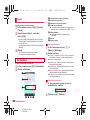
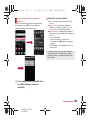
1
2
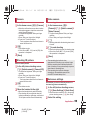
Removing microSD Card
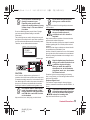
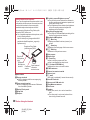
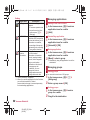
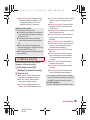
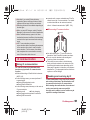
Remove the back cover (nP. 23)
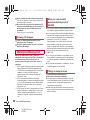
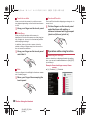
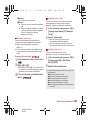
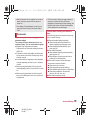
Gently push the microSD Card
towards inside (1)
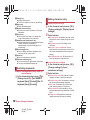
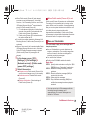
: Push the microSD Card until it clicks. It will
eject towards you. Pulling it forcibly may
damage the handset or the microSD Card.
the microSD Card (2)
3 Remove
: Remove the microSD Card by slowly pulling
it straight out.
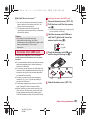
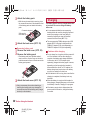
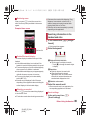
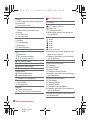
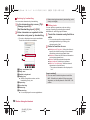
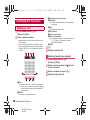
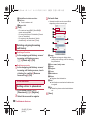
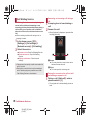
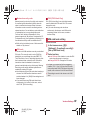
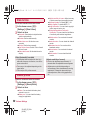
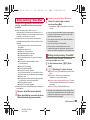
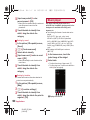
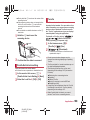
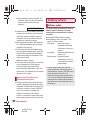
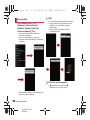
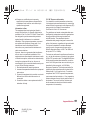
Remove the back cover (nP. 23)
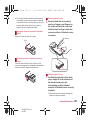
Insert the microSD Card slowly with
the metal terminal side turned down
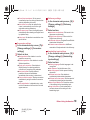
: Do not force the microSD Card in at an angle
or with the wrong side down.
The microSD Card slot may be damaged.
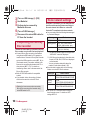
4
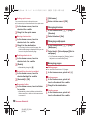
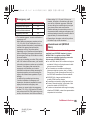
Attach the back cover (nP. 23)
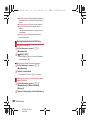
Battery pack
: Insert the microSD Card slowly with your
fingers until a click is heard.
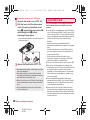
3 Attach the back cover (nP. 23)
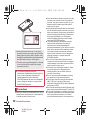
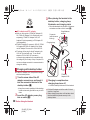
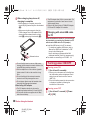
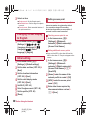
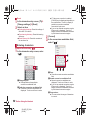
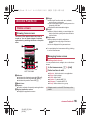
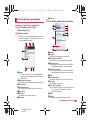
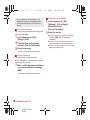
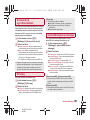
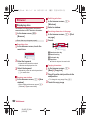
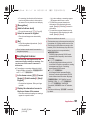
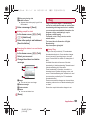
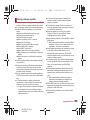
Use the Battery Pack SH31 exclusive to the
handset.
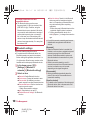
For attaching or removing the battery pack, turn
off the power, position the back facing upwards,
and hold the handset securely with your both
hands.
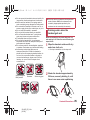
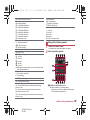
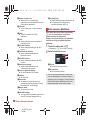
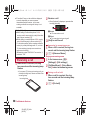
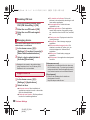
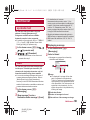
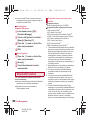
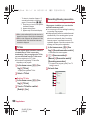
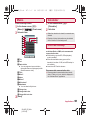
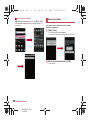
1
Attaching battery pack
Remove the back cover (nP. 23)
Before Using the Handset
SH-06D_E_02.fm
[31/54]
31