1
SH-06D_E.book
2
45 ページ
2012年3月19日 月曜日 午前10時32分
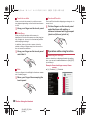
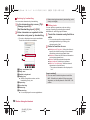
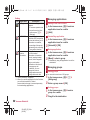
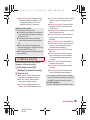
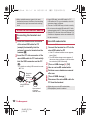
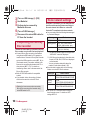
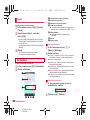
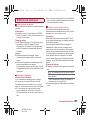
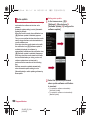
Enter “(http://www.google.com/)” in
the URL entry field/[I]/[more]/
[Sign In]/[Can’t access your
account?]/follow the instructions
on the screen
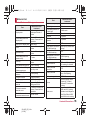
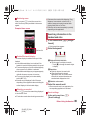
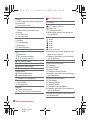
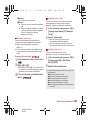
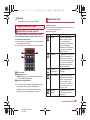
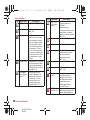
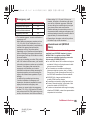
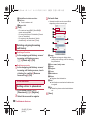
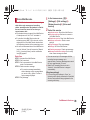
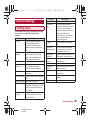
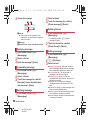
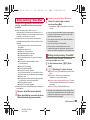
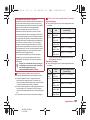
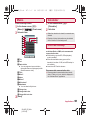
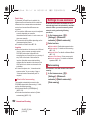
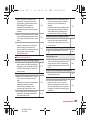
Main notification icon list
When the same type of notifications exists, the
number of them is displayed on the notification
icon.
+: Missed call
?: New SMS
Screen display/icons
#: New mail
Viewing icons
$: New Gmail
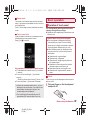
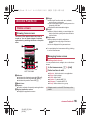
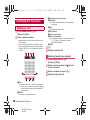
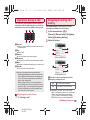
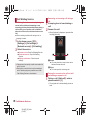
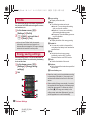
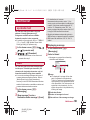
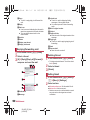
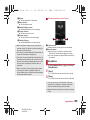
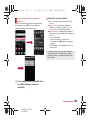
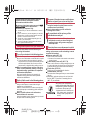
Icons displayed on the status bar at the top of
the screen give you various kinds of
information, such as the status of the handset
or the presence of missed calls. You can check
the detailed information by displaying the
status panel.
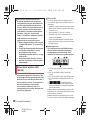
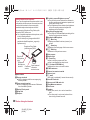
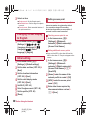
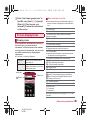
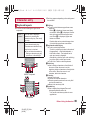
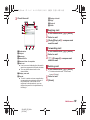
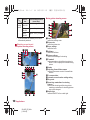
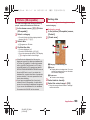
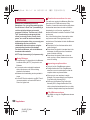
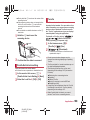
Two kinds of icons are displayed.
Notification
icon
Notifies you of missed calls or
new mails, etc.
Status icon
Displays the status of the
handset such as the current time
or the battery level.
Status bar
Status icon
Notification
icon
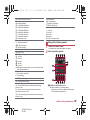
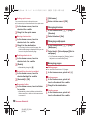
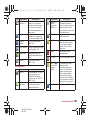
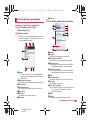
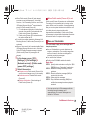
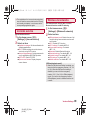
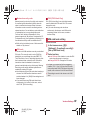
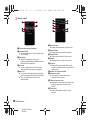
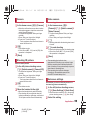
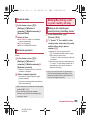
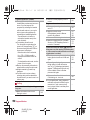
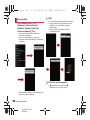
L: Notification of having finished receiving/
playing messages
C: New instant message
!: Error
Appears when an error has occurred.
%: End the Alarm
Appears when the alarm is terminated without
an operation for ending the alarm.
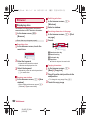
&: Schedule notification from the calendar
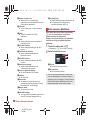
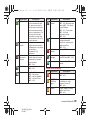
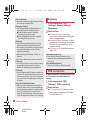
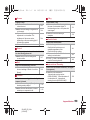
1Seg information
(: 1Seg watching information
): 1Seg recording information
K: Playing music
+: USB debug connecting
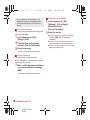
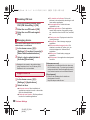
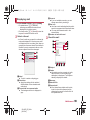
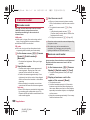
Calling
,(green): During dialing/incoming call/calling
B(blue): During a call using Bluetooth device
-: Putting a call on hold
.: Answering memo
@: Voice mail message
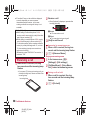
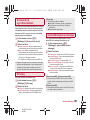
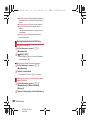
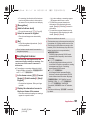
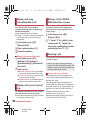
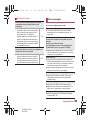
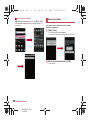
microSD Card
3: Scanning
2: Unmount
1: Space available less than approx. 10 % in the
handset
Before Using the Handset
SH-06D_E_02.fm
[45/54]
45