1
SH-06D_E.book
120 ページ
2012年3月19日 月曜日 午前10時32分
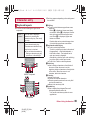
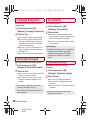
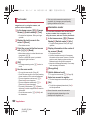
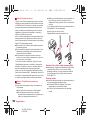
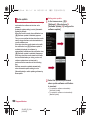
Camera reader
the scan result
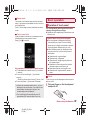
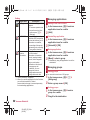
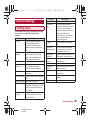
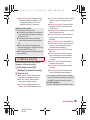
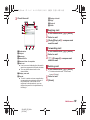
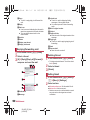
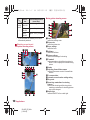
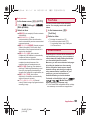
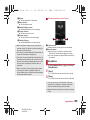
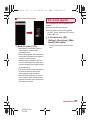
3 Use
: When you have scanned a phone number,
URL or mail address, touch the scan result to
use it.
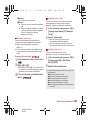
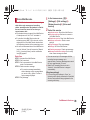
: To register the scan result: z/[Entry
data]
・ In the barcode reader screen, z/
[Confirm data]/select data to confirm the
registered scan result.
: To copy the scan result: z/[Copy All]
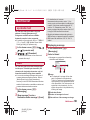
Barcode reader
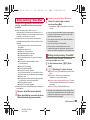
You can use the camera to scan bar codes
(JAN/QR codes), and perform various
operations according to the contents of
scanned item.
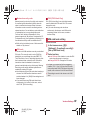
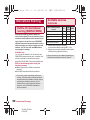
JAN code
JAN code is a type of bar code using vertical
bars of varying width to express numbers.
JAN8 and JAN13 can be read.
Some bar codes cannot be scanned depending
on types or sizes.
Bar codes may not be scanned due to
scratches, dirt, damage, poor print quality,
lighting conditions or QR code version.
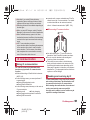
QR code
QR code is a type of two-dimensional code
expressing data vertically and horizontally.
1
2
120
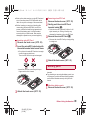
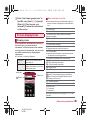
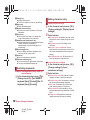
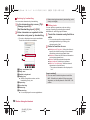
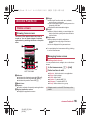
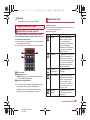
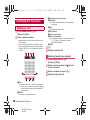
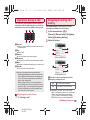
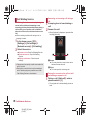
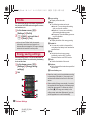
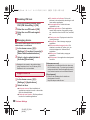
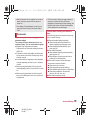
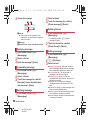
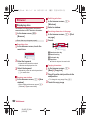
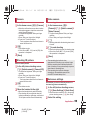
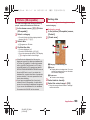
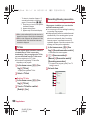
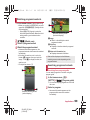
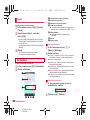
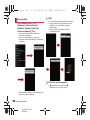
In the home screen, [R]/[Camera
Reader]/[Switch reader]/
[Barcode]
: To adjust the brightness: Slide your finger
up/down
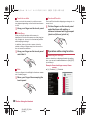
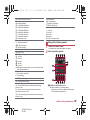
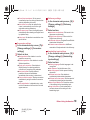
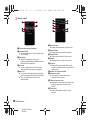
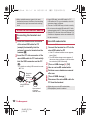
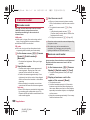
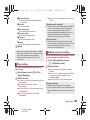
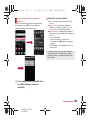
Scan the bar code
: The Barcode reader screen appears and
scanning starts. Display bar code to be
scanned in the center of the screen.
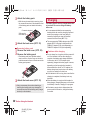
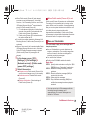
: Position the camera approximately 10 cm
right away from the bar code. Keep aligned
and do not move the handset or code while
scanning.
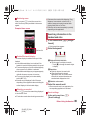
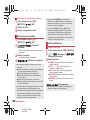
: When scanning is complete, an end tone
sounds and the scan result screen appears.
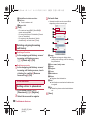
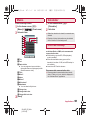
Split data
: Some QR codes are consisted of single data
by scanning split multiple data (up to 16).
Repeat until all split data is scanned and the
scan results appear.
Applications
SH-06D_E_08.fm
[120/149]
Business card reader
You can scan information such as name or
phone number from a business card (Japanese/
English) with the camera and save it to the
phonebook.
1
2
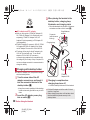
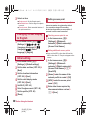
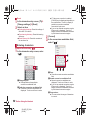
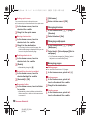
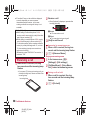
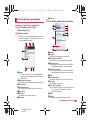
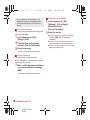
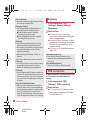
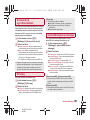
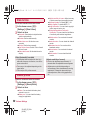
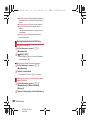
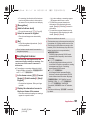
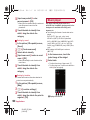
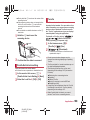
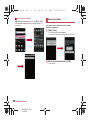
In the home screen, [R]/[Camera
Reader]/[Switch reader]/[Card]
: To adjust the brightness: Slide your finger
up/down
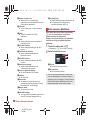
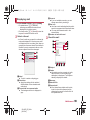
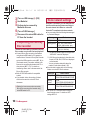
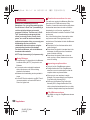
Display a business card in the
center of the screen/[Read]
: The shutter sounds.
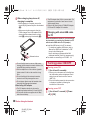
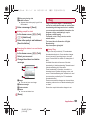
: Hold the handset securely to fit the entire
business card with the frame displayed on
the screen. Make sure that no other objects,
especially text-written objects, are displayed
on the screen.
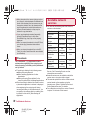
: Keep the camera approximately 10 cm away
from the business card.