1
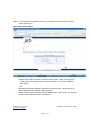
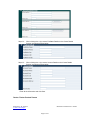
Step 6.2:
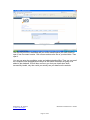
When clicking the + sign next to Facilitator Details on the Center Details
Screen, and get the screen below
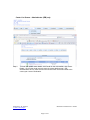
Step 6.3:
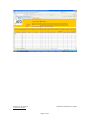
When clicking the + sign next to Account Details on the Center Details
Screen, and get the screen below
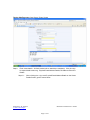
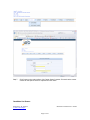
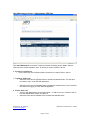
Enter all the information and click Save.
Center / Sector Contact Screen
Prepared by: R. Viktorin
V-Soft Technologies
Version 2.0.0
Modified on 28/02/2011 2:38 PM
Page 8 of 21