1
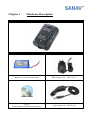
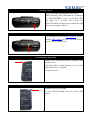
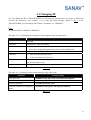
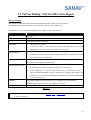
ON/OFF Switch
Turn On/Off TRACKSTARIII by this switch
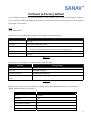
While initializing TRACKSTARIII by switching it
on, TRACKSTARIII’s Link, Fix and Park LEDs
will light for 3 seconds, and become off.
TRACKSTARIII will then start searching the GSM
station and getting the GPS fix.
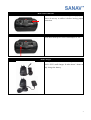
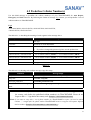
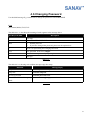
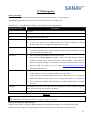
Eject Button
Use a sharp tool to eject the SIM card slot. Please
read the SIM Card Slot for more information about
how to insert a SIM card in it.
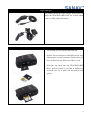
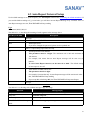
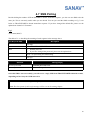
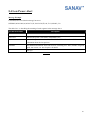
GSM Indicator (Red LED)
Blinking when TRACKSTARIII is searching GSM
network service
Light still and have a short blinking every 4 seconds
when GSM service is available
Off when no power
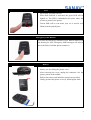
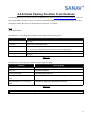
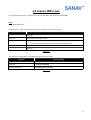
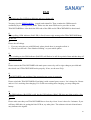
GPS Indicator (Blue LED)
Off when GPS is not available
On when TRACKSTARIII fixes the current GPS
position
6