1
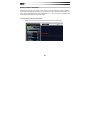
Previewing Tracks and Audio in the Browser
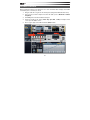
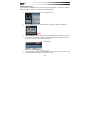
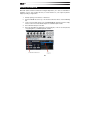
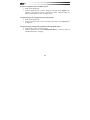
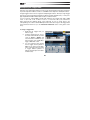
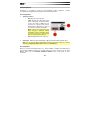
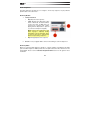
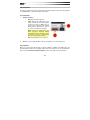
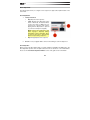
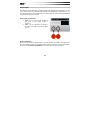
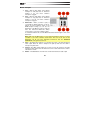
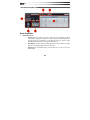
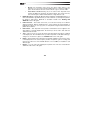
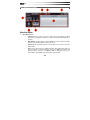
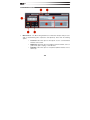
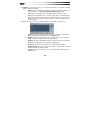
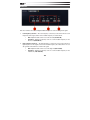
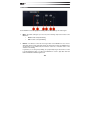
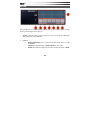
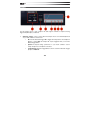
Transfuser lets you preview Tracks and audio from its Browser. All previewed audio is played
through the Main output of Transfuser.
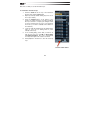
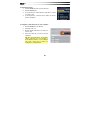
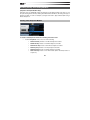
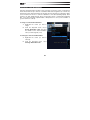
To audition a Track or audio from the Transfuser Browser:
1.
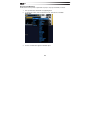
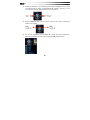
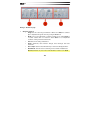
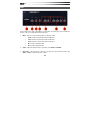
Enable Preview in the Browser.
2.
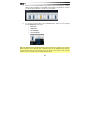
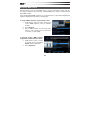
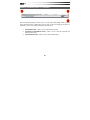
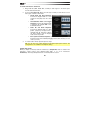
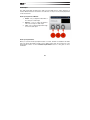
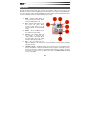
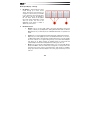
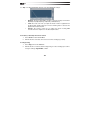
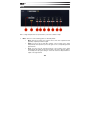
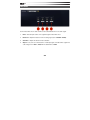
Enable or adjust the other Browser Preview controls:
3.
•
Latch
Enable:
Latches
preview of the selected file.
•
Sync Enable: Synchronizes
preview
to
your
music
software's session tempo.
•
Pitch: Adjusts the pitch
transposition of the previewed
Track or audio file.
•
Volume: Adjusts the preview
volume.
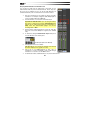
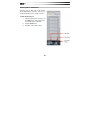
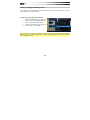
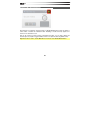
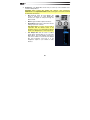
Click the Track or audio file you want to audition in the Browser list. The item plays
back for as long as you hold down the mouse. If Latch is enabled, then the entire
Track or file plays back and loops with a single click.
Once you have found a Track or audio file you would like to use, simply drag that file
into the Transfuser Tracks pane.
53