1
4.
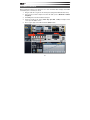
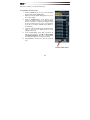
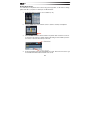
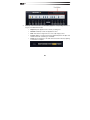
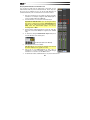
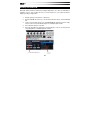
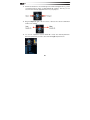
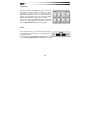
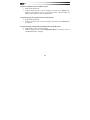
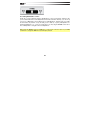
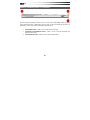
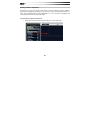
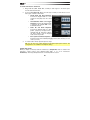
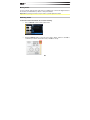
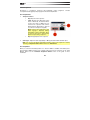
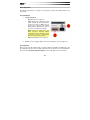
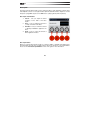
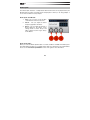
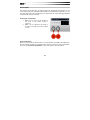
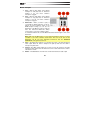
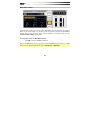
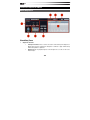
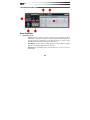
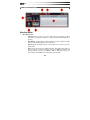
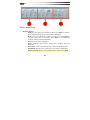
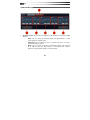
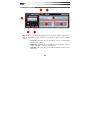
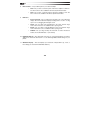
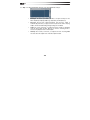
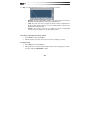
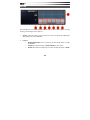
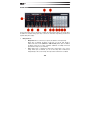
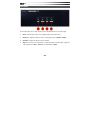
Use the Recorder Transport to Stop, Play, or Record.
5.
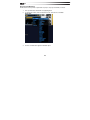
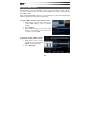
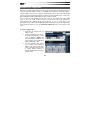
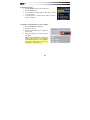
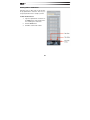
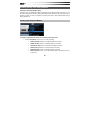
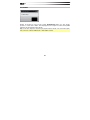
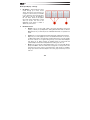
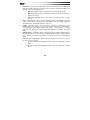
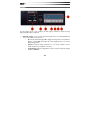
At any time, drag the waveform in the Recorder window to an existing Transfuser
Track Synth module (replacing it) or into the blank area of the Tracks section to
create a new Track with the audio you just recorded. You can also drag the file onto
your computer's Desktop, Explorer (Windows), or Finder (Mac OS X).
6.
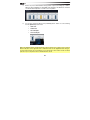
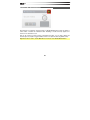
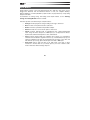
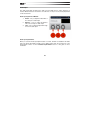
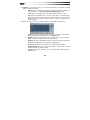
The Recorder can keep recording, or you can click Stop. After you stop recording,
the recorded audio remains available. We recommend letting Transfuser continue to
record and simply dragging the waveform you want to export (within one bar's time,
before the draggable file changes).
Tip: You can also drag the waveform to your music application's audio track or to the Region
List for further editing, arranging, and mixing.
15