1
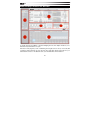
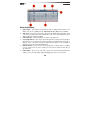
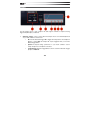
6.
7.
8.
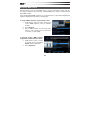
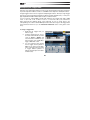
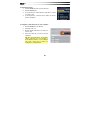
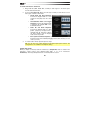
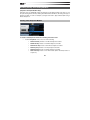
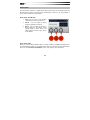
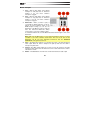
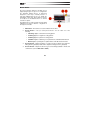
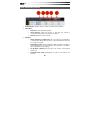
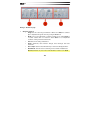
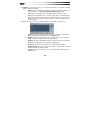
High:
•
Band Enable/Disable: Select (or deselect) the Band enable button to enable
the EQ Band.
•
Frequency: Adjust the frequency (1.20 kHz–20.00 kHz) for the High Band.
•
Gain: Adjust the gain (–/+18 dB) for the High Band.
•
Q: Adjust the Q (0.40–10.00) for the High Band.
•
EQ Type Menu: Select either Bell or Shelf for the EQ type.
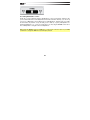
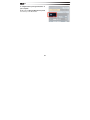
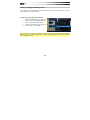
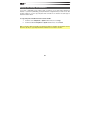
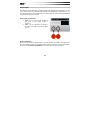
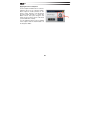
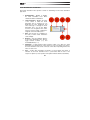
High Cut:
•
Band Enable/Disable: Select (or deselect) the Band enable button to enable
the EQ Band.
•
Frequency: Adjust the frequency (120 Hz–20.0 kHz) for the High Cut.
•
Decibel Menu: Select the depth of the High Cut in decibels (6, 12, 18, or 24
dB.)
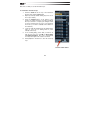
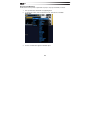
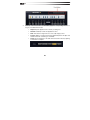
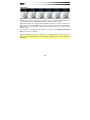
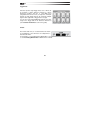
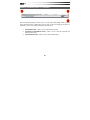
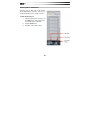
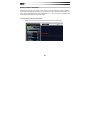
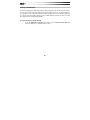
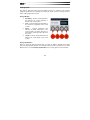
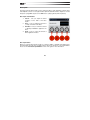
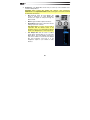
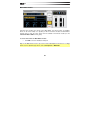
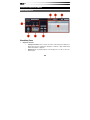
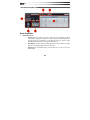
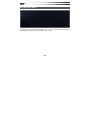
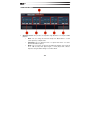
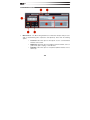
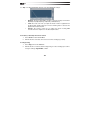
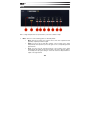
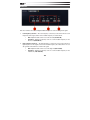
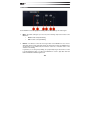
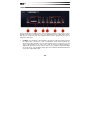
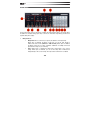
Graphic Editor – Adjusting the Frequency, Gain, or Q controls of any of the EQ bands is
represented in the Graphic Editor. You can also edit the Frequency and Gain of any of the
EQ Bands by dragging in the Graphic Editor.
190