1
5. HMI CONFIGURATION
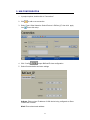
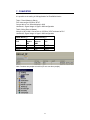
1. In project explorer, double click at “Connections”
2. Click
to add a new connection.
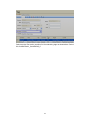
3. Select Type= Other Networks. Select Protocol = BACnet_IP, then click apply
icon
to save this setup
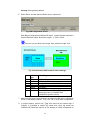
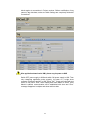
4. Click “Config”
to open BACnet/IP slave configuration
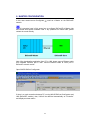
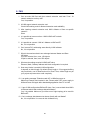
5. Select Communication and enter settings
Address: Enter unique IP address of HMI device being configured as Slave
in BACnet/IP network
Mask: Enter subnet mask address
11