1
Suggested Method:
1.
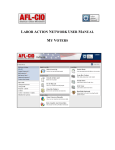
Click on Rename to change the Name and Subject of your email message.
2.
Scroll to the bottom of the page and enter the Name and the Subject of your message.
3.
Hit the Save button to keep the entries. Hit the Cancel button to change the method or entries you‟ve
made.
4.
After you have saved this job, you may follow the steps under Using the Template to:
I. Edit the Email
II. Select Recicipents
III. Preview Recicipents
IV. Send the Email
V. Review the Job
Page 37 of 39