1
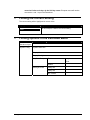
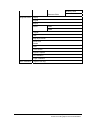
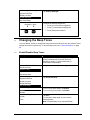
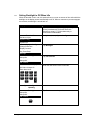
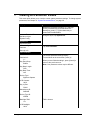
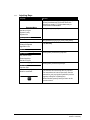
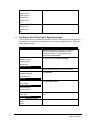
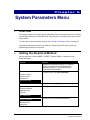
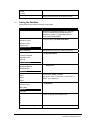
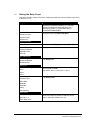
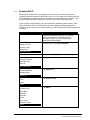
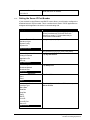
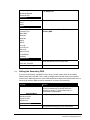
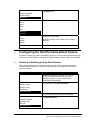
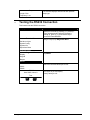
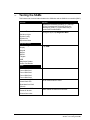
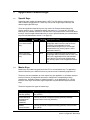
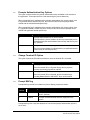
Download Method
IBMEFT
NCREFT
Zontalk
GEMS
Germany
Select the method you want.
Note: The default is IBMEFT.
Updating
6.3
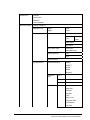
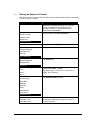
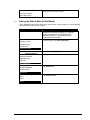
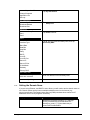
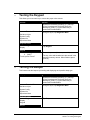
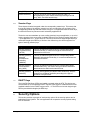
Selecting the Download Port
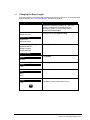
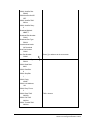
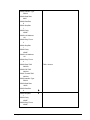
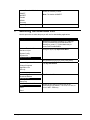
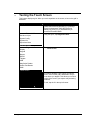
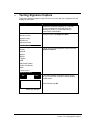
Use this procedure to select the port you will use for downloading applications.
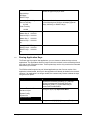
Display
Action
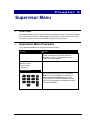
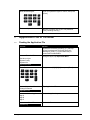
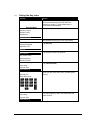
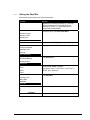
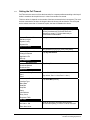
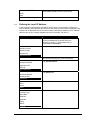
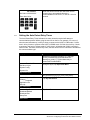
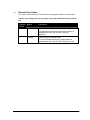
Restart the terminal by pressing [1] + [Cancel] +
[Enter] simultaneously; while the terminal is
starting up, press [1] + [3] simultaneously to
access the Extended Menu.
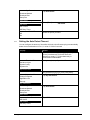
Extended Menu
Serialnum Inject
System Config
System Info
Supervisor Menu
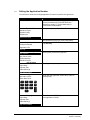
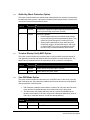
Using the stylus, tap Supervisor Menu.
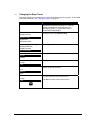
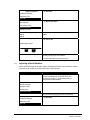
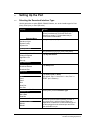
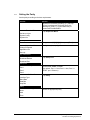
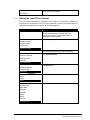
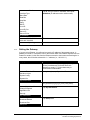
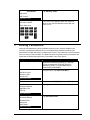
Enter Password:
Key password [2] [6] [3] [4], then press [Enter].
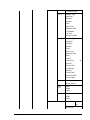
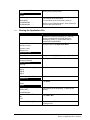
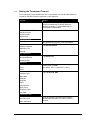
Supervisor Menu
Change Password
Application File
Security
Sys Parameters
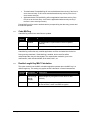
Tap Sys Parameters.
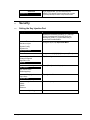
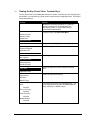
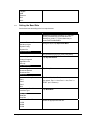
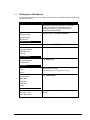
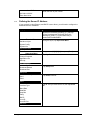
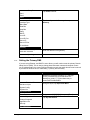
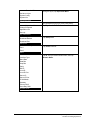
Sys Parameters
Download Method
Download Port
Setup Port
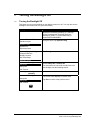
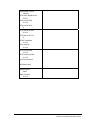
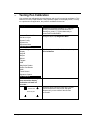
Tap Download Port.
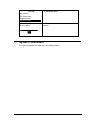
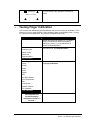
Download Port
Port1
Port2
Port3
Ingenico 6780 User’s Guide
Select the port that you want to use as the
download port (by default, 1 for Host, 2 for Aux, or
3 for E-NET - Ethernet).
39