1
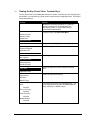
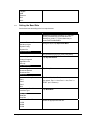
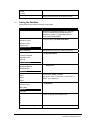
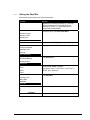
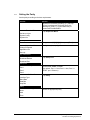
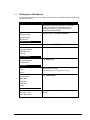
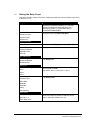
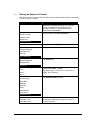
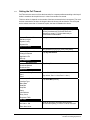
Setting the Poll Timeout
6.4.9
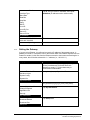
Poll Timeout is the amount of time the host waits for a response after transmitting a device poll
before it records a device poll timeout, in units of one-tenths of a second.
This time varies. It depends on the number of devices connected to the host system. The more
devices connected to the host, the longer it takes the host to poll each device. If the PIN pad
device misses more than 16 consecutive polls, the host will abandon the device.
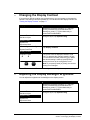
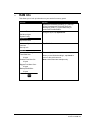
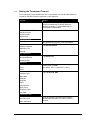
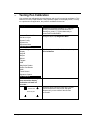
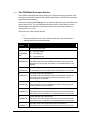
Display
Action
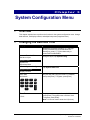
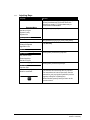
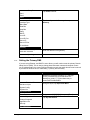
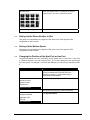
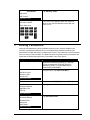
Restart the terminal by pressing [1] + [Cancel] +
[Enter] simultaneously; while the terminal is
starting up, press [1] + [3] simultaneously to
access the Extended Menu.
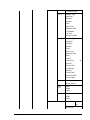
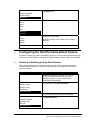
Extended Menu
Serialnum Inject
System Config
System Info
Supervisor Menu
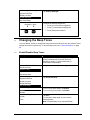
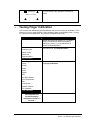
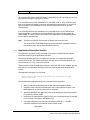
Using the stylus, tap Supervisor Menu..
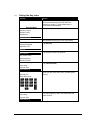
Enter Password:
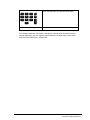
Key password [2] [6] [3] [4], then press [Enter].
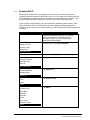
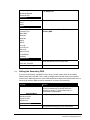
Supervisor Menu
Change Password
Application File
Security
Sys Parameters
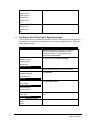
Tap Sys Parameters.
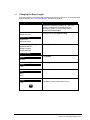
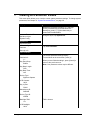
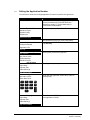
Sys Parameters
Download Method
Download Port
Setup Port
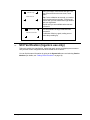
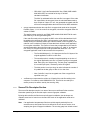
Tap Setup Port.
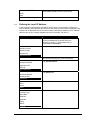
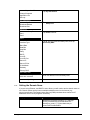
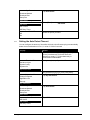
Setup Port
Port1
Port2
48
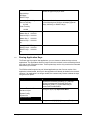
Select Port1 or Port2.
(By default, Port 1 = Host, Port 2 = Aux.)
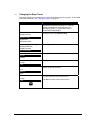
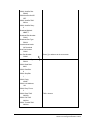
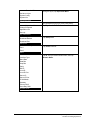
Port X
Interface Type
Baud Rate
Data Bits
Stop Bits
Parity
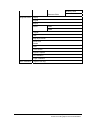
LAN Address
Retry Count
Response TMO
Poll TMO
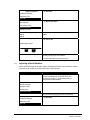
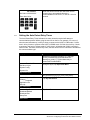
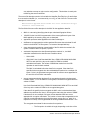
Tap Poll TMO (timeout).
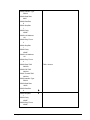
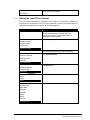
Poll Timeout
Old Value: 300
Enter New Value:
Enter an amount of time after which the port
should cease polling, in units of 1/100 of a second.
Chapter 6 System Parameters Menu
Section 6.4 Setting Up the Port