1
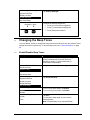
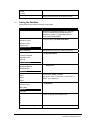
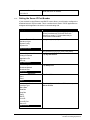
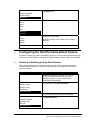
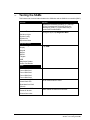
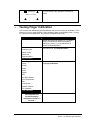
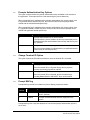
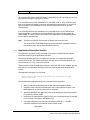
Select File
sysPara.cfg
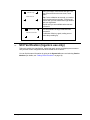
If you selected NO, you are returned to the
SELECT File prompt. Select another file to erase
or press [Cancel] to return to a previous menu.
5.5
Security
5.5.1
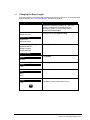
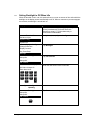
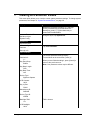
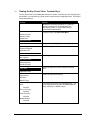
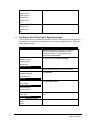
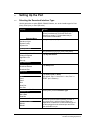
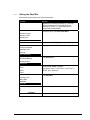
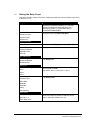
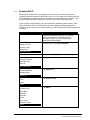
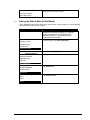
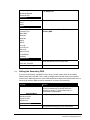
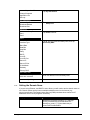
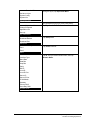
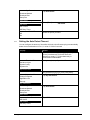
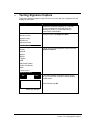
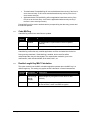
Setting the Key Injection Port
Display
Action
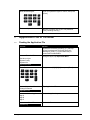
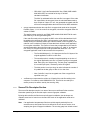
Restart the terminal by pressing [1] + [Cancel] +
[Enter] simultaneously; while the terminal is
starting up, press [1] + [3] simultaneously to
access the Extended Menu.
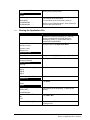
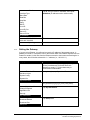
Extended Menu
Serialnum Inject
System Config
System Info
Supervisor Menu
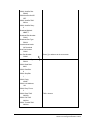
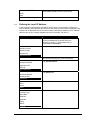
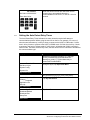
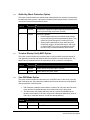
Using the stylus, tap Supervisor Menu.
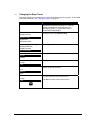
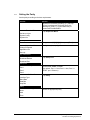
Enter Password:
Key password [2] [6] [3] [4], then press [Enter].
Supervisor Menu
Change Password
Application File
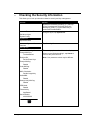
Security
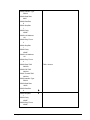
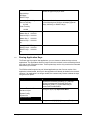
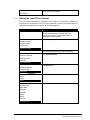
Tap Security.
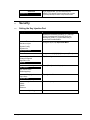
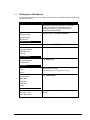
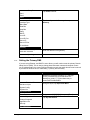
Security
Key Injection
Key Check Value
Erase App Keys
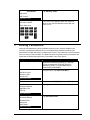
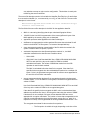
Press [Enter] to select Key Injection.
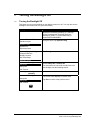
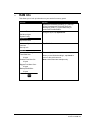
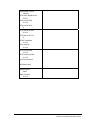
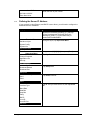
Key Injection
Inject Keys
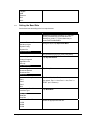
Injection Port
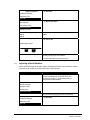
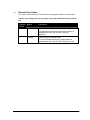
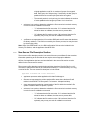
Tap Injection Port.
Injection Port
COM1
COM2
Ethernet
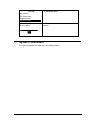
Select the port you want.
Updating
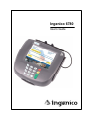
Ingenico 6780 User’s Guide
29