1
RAM Module
58
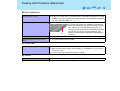
Use a RAM module meeting the RAM module specifications below. If a module is used that
does not meet the specifications, there are cases in which data may become unusable or the
computer may not operate properly.
z RAM module specifications:
200 pins, SO-DIMM, 2.5 V, DDR SDRAM, PC2700*1
*1
Either a PC2700 compliant RAM module or a PC2100 compliant RAM module can be added.
CAUTION
z RAM modules are extremely sensitive to static electricity. There are cases where
static electricity generated by the human body has adversely affected such modules.
When inserting or removing a RAM module, do not touch the terminals or internal
components, insert objects other than the module, or allow foreign particles to enter.
Doing so has been known to cause damage, fire or electric shock.
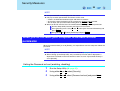
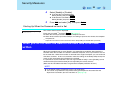
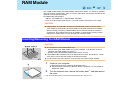
Inserting/Removing the RAM Module
CAUTION
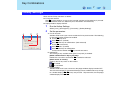
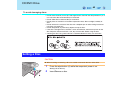
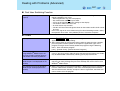
z This computer has two RAM module slots.
• When inserting one RAM module only, insert it in SLOT: 1. (At the time of factory
shipment, the RAM module is in SLOT: 1.)
• When inserting the extended RAM module, insert it in slot 2.
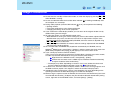
z If the RAM module is difficult to insert or difficult to press down, do not force it. Check
once more to ensure that the module is positioned correctly.
z Use the proper size screw driver to insure that the screw does not get stripped.
1
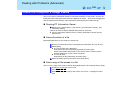
Power off your computer.
(⇒Operating Instructions "Starting Up/Shutting Down")
z Do not connect or disconnect devices while the computer is in the standby or
hibernation mode.
2
*2
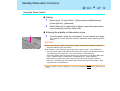
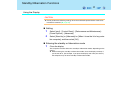
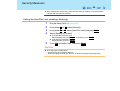
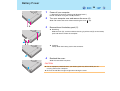
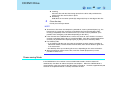
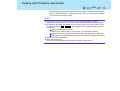
Turn the computer over, remove the battery pack*2, and then remove
the cover.
If the second battery pack is inserted in the multimedia pocket, remove it, too.