1
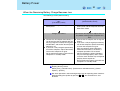
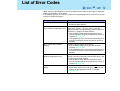
List of Error Codes
94
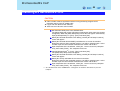
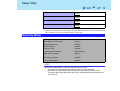
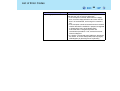
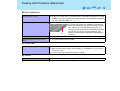
Error Code/Message
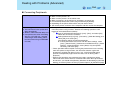
Operating System not found
Action
The OS is not properly installed on the floppy disk or the
hard disk that you are trying to boot from.
z If the computer cannot be booted from the floppy
disk, check the floppy disk drive to ensure that the
disk is in fact bootable, and change it to another if
not.
z If the computer cannot be booted from the hard disk,
confirm whether the hard disk is properly recognized
in [Information] menu of the Setup Utility.
If the hard disk is recognized, perform the
reinstallation procedure. If not, contact Panasonic
Technical Support.
z If a device is connected to the USB port, disconnect
the device, or run the Setup Utility and set [Legacy
USB Support] in [Security] menu to [Disable].