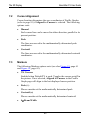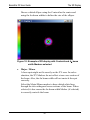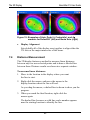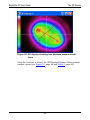
1
BeamStar FX User Guide
BeamStar Operation Basics
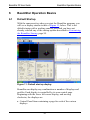
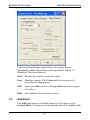
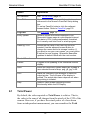
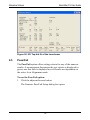
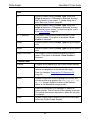
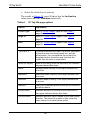
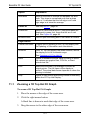
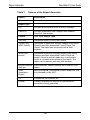
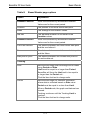
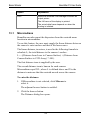
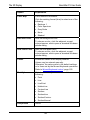
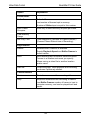
The four bottom buttons appear below every page, but are
individually enabled depending on the operational activity of
BeamStar. Their functions are:
Start Restarts the camera; restarts the video
6.3
Stop
Stops the camera. If the Video add-in is being used, it
stops the recording process
Add
Opens the Add form for selecting additional activity pages
(see below).
Hide
Not enabled in this software version.
Add Panel
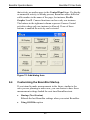
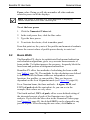
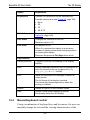
The Add form button is available from any of the pages of the
Control Panel. Clicking one of the buttons when it is enabled, adds
49