1
FAQ
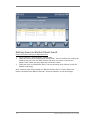
Dicom not activated
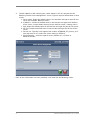
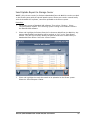
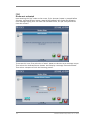
Upon entering the “Key” value on the screen, if the <Accept> button is pressed before
selecting <Activate Dicom> button, Atomlab 960 software will display the following
error message stating that “You have not activated Dicom, are you sure you want to
close this screen?”
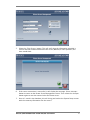
To correct this issue, first select the <Cancel> button to close the error message screen.
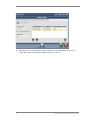
Then select the <Activate Dicom> button. It will display a message “Dicom Activated”.
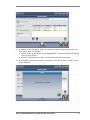
Then select <Accept> to finish the licensing process.
16
Biodex Medical Systems, Inc. © 2013