1
5.
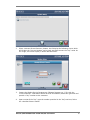
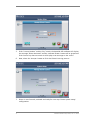
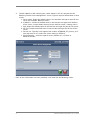
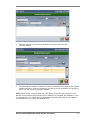
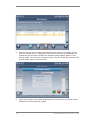
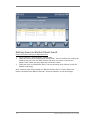
If the “License Number” and the “Key” match, the Atomlab 960 software will display
the message “Dicom Activated” and the <Activate Dicom> button will be grayed out.
If the license key does not match it will display error message on the screen.
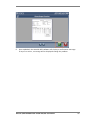
6.
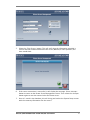
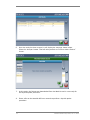
Now, select the <Accept> button to finish the Dicom licensing process.
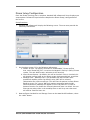
7.
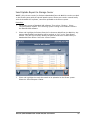
Dicom is now licensed, activated and ready for next step- Dicom system setup/
configuration.
4
Biodex Medical Systems, Inc. © 2013