1
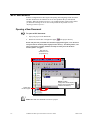
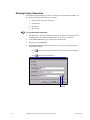
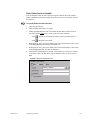
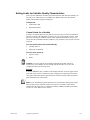
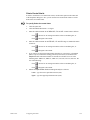
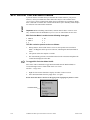
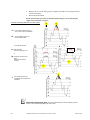
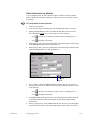
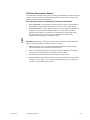
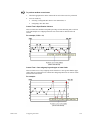
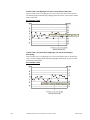
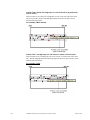
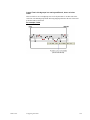
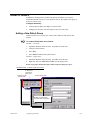
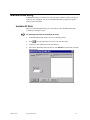
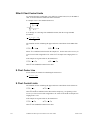
To create additional documents:
1.
Click File on the menu bar.
2.
Select New.
3.
Select SPC Configuration Document from the pullout menu.
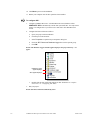
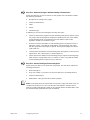
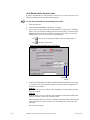
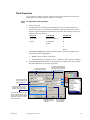
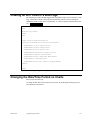
Result: A new SPC configuration window will display. SPC documents are numbered
consecutively—see figure.
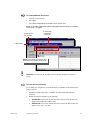
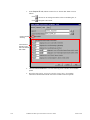
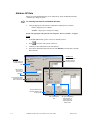
1. Click File on
the menu bar.
3. Select SPC
Configuration
Document.
2. Select New.
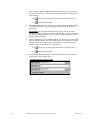
Result: A new document will open. SPC
documents are numbered consecutively.
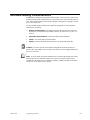
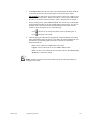
Important: You must use the same data source for all SPC documents created in a
project.
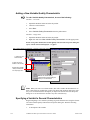
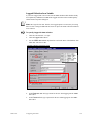
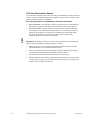
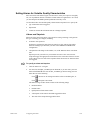
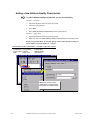
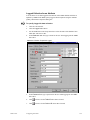
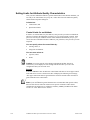
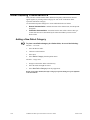
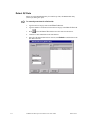
To build directory hierarchy:
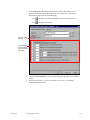
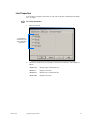
As you build your configuration, you add a hierarchy of subfolders to the Products main
folder, as follows:
GFK-1413E
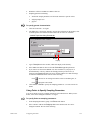
1.
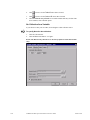
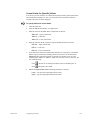
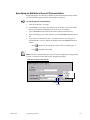
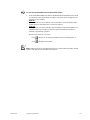
Within the Products main folder, a subfolder for each product included in the
document.
2.
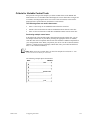
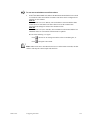
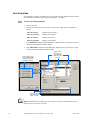
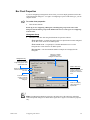
Within each Product subfolder are the following:
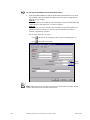
Variable QC item for each variable that will be tracked for that product and
displayed on an XBar-R or XBar-S chart.
Attribute QC item for each attribute that will be tracked for that product and
display on an p, nP, c or u chart.
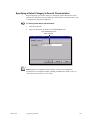
Configuring SPC Data
4-5