1
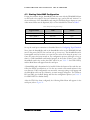
P R O G R A M M I N G / C O N F I G U R I N G
T H E
H A R D W A R E
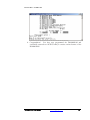
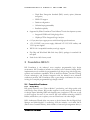
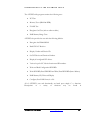
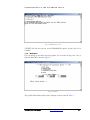
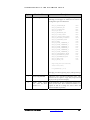
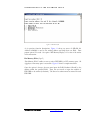
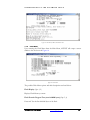
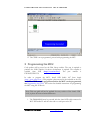
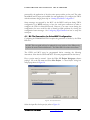
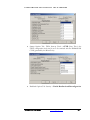
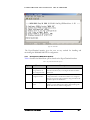
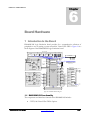
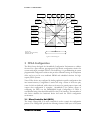
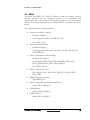
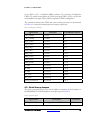
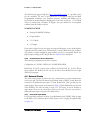
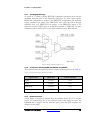
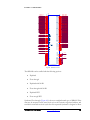
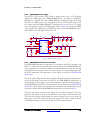
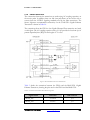
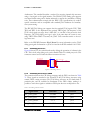
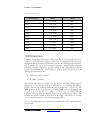
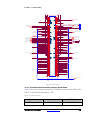
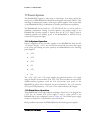
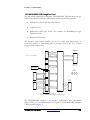
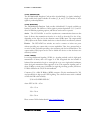
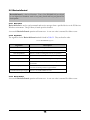
Figure 22 - Main Menu
The HyperTerminal interface gives the user an easy method for handling and
monitoring the DN6000K10S FPGA configuration.
4.3.1
Description of Main Menu Options.
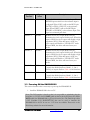
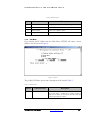
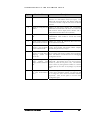
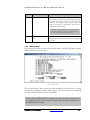
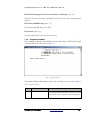
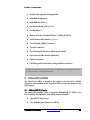
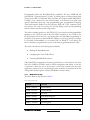
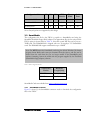
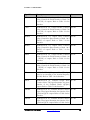
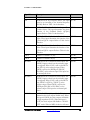
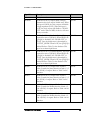
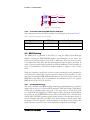
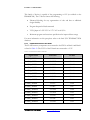
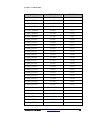
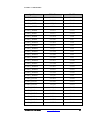
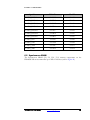
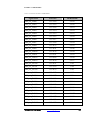
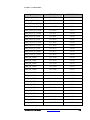
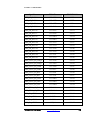
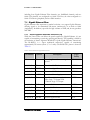
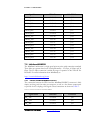
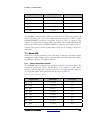
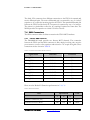
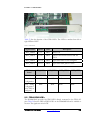
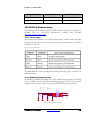
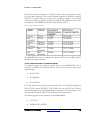
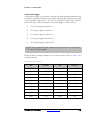
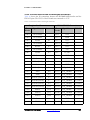
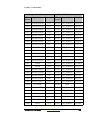
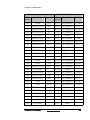
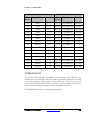
Table 6 describes the Main Menu options found on the HyperTerminal interface.
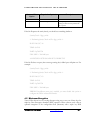
Table 6: HyperTerminal Main Menu Options
Option
Function
1
Configure FPGA’s in
Using “main.txt” as
the Configuration File
The FPGA will configure in SelectMAP mode. You can also
press the reset button (S1) to reconfigure the FPGA in SelectMAP mode.
2
Interactive FPGA
configuration menu
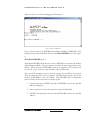
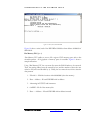
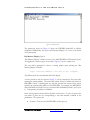
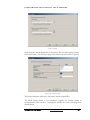
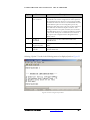
This option takes you to a menu titled “Interactive
Configuration Menu” and allows the FPGA to be configured
through a set of menu options instead of using the main.txt file.
The menu options are described in .
3
Check Configuration
Status
This option checks the status of the DONE pin and prints out
whether or not the FPGA(s) have been configured along with
the file name that was used for configuration.
DN6000K10S User Guide
Description
www.dinigroup.com
60