1
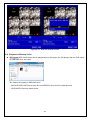
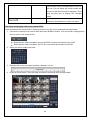
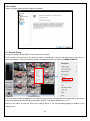
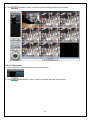
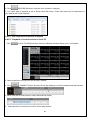
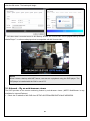
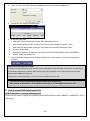
6. Drag and drop channels
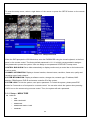
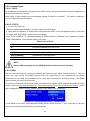
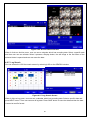
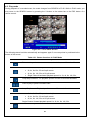
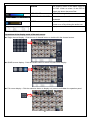
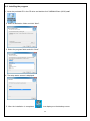
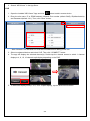
Touch and drag one channel to the other channel to swap the channel location. To swap the channel,
drag a channel to another channel.
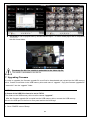
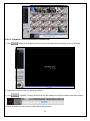
7. Digital Zoom In-Out
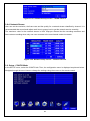
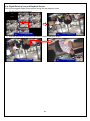
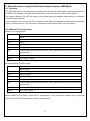
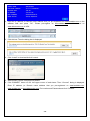
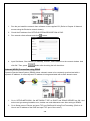
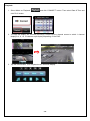
Double tap on the desired channel to view in 1channel mode. Then use the iPhone zoom feature
using two fingers to pinch the screen to zoom in or out on the video image. User can also move the
zoomed image around by touching the desired spot and dragging the zoom image.
PTZ Control
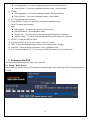
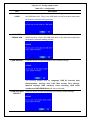
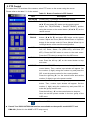
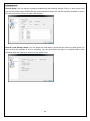
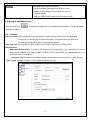
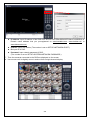
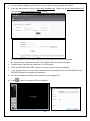
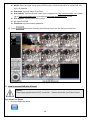
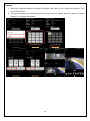
To control the PTZ functions of the camera, tap the menu button. Then PTZ menu icons will display. using
the PTZ icon on the screen, control PTZF control.
108