1
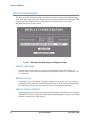
Making The Ethernet Connection
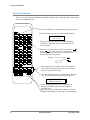
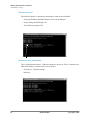
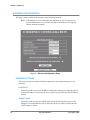
Detailed Ethernet Setup
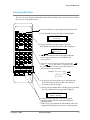
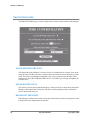
Connecting the Ethernet Cable
Prior to connecting the Marquee to the PC, both the PC and Marquee should be power down.
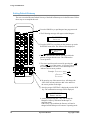
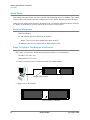
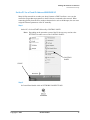
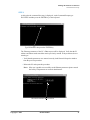
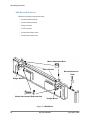
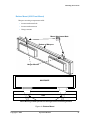
Connect the Cross cable to the Ethernet port of the marquee. The Ethernet port is located on the
right side of the Marquee.
Back of Marquee
Ethernet Port
120 Vac Power Connection
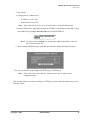
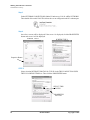
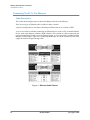
Connect the other end of the Cross cable to the PC’s Ethernet Port.
PC’s Ethernet
Port
Marquee Ethernet Port
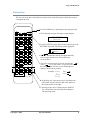
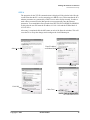
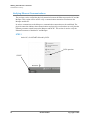
Power up both the PC and Marquee. After the PC has booted the user should check for the LINK
light of the PC’s Ethernet port is Lit.The LINK light is lit when a physical connection is made
between the PC’s ethernet port and another Ethernet device, such as the Marquee. If the LINK
light is lit then the PC is properly connected to the Marquee.
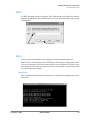
If the LINK light is not lit check the following:
• Verify the Marquee is powered
• Verify the cable is a cross over cable
• Verify the Ethernet port of the PC is Enabled
Link Light
Copyright © 2002
Transmit Light
BookNameHere
23