1
94
iikoRMS BackOffice User Guide
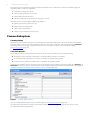
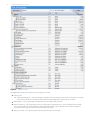
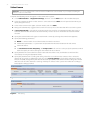
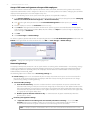
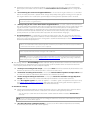
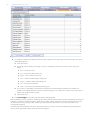
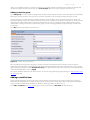
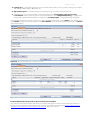
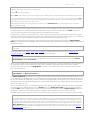
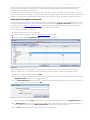
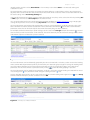
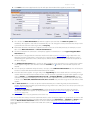
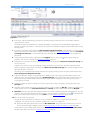
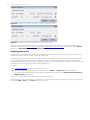
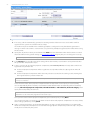
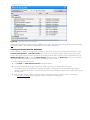
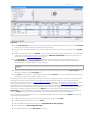
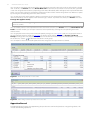
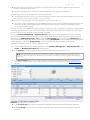
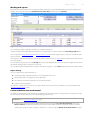
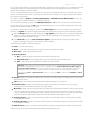
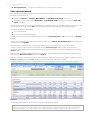
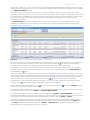
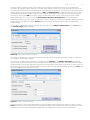
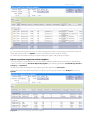
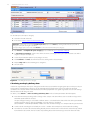
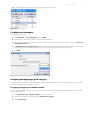
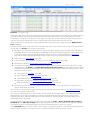
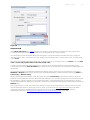
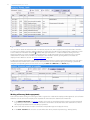
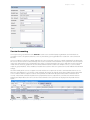
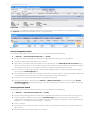
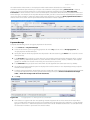
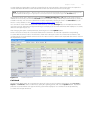
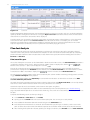
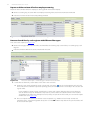
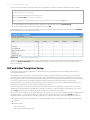
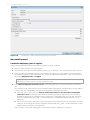
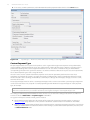
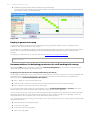
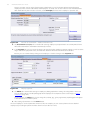
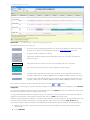
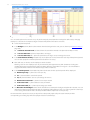
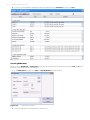
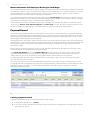
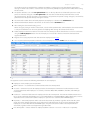
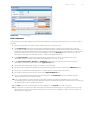
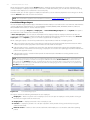
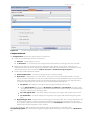
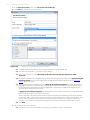
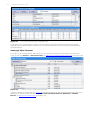
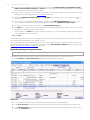
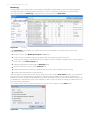
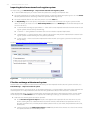
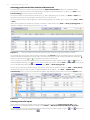
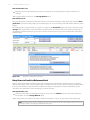
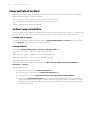
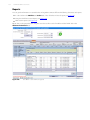
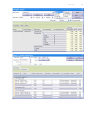
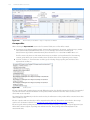
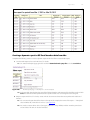
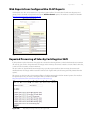
Figure 54. Settlements with internal suppliers
If products are transferred between storages of different legal entities, one of the related documents should be manually
paid in the first place. The second transaction will then be created automatically.
Creating an internal transfer document
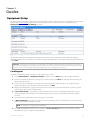
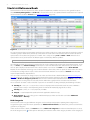
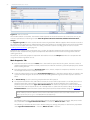
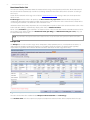
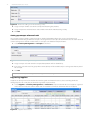
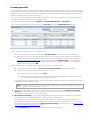
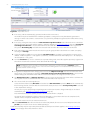
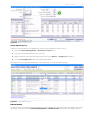
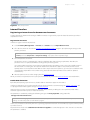
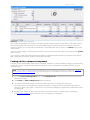
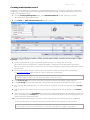
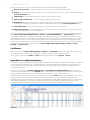
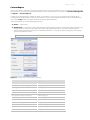
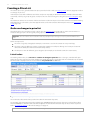
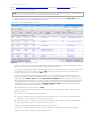
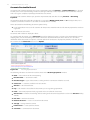
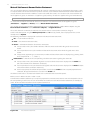
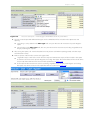
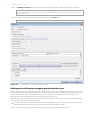
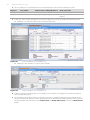
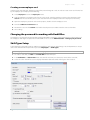
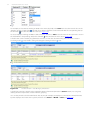
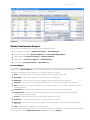
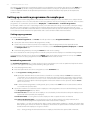
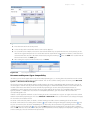
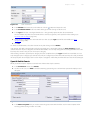
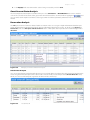
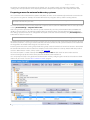
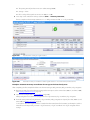
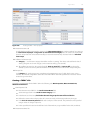
Transfer of products between storages within an outlet is registered by a special document for internal transfers. Select
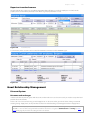
Inventory Management → Internal Transfers in the menu and a window will open displaying the list of internal
transfer documents registered for the last month. The period for which data is displayed can be set with fields such as
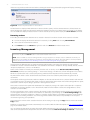
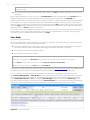
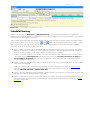
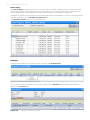
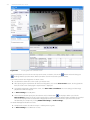
Within period, from and to. Clicking the Show changes button will display the Event Log where you can view the
operations performed with this document earlier, including the video records.
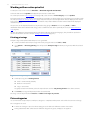
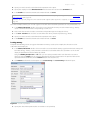
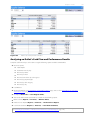
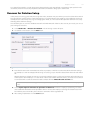
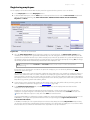
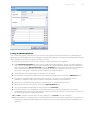
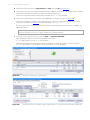
To create a new internal transfer order:
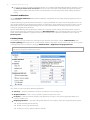
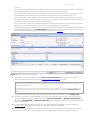
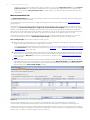
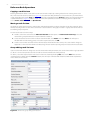
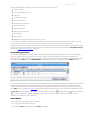
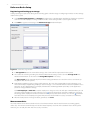
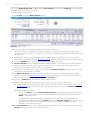
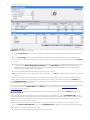
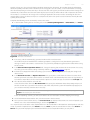
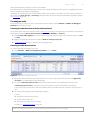
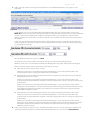
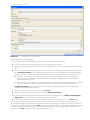
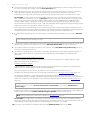
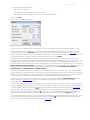
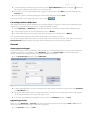
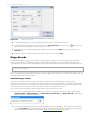
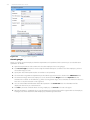
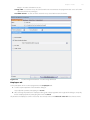
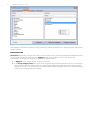
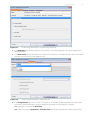
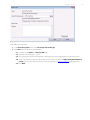
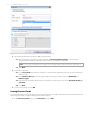
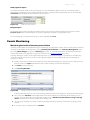
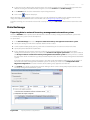
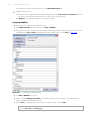
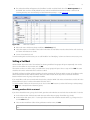
1. Click Create. The New Internal Transfer window will appear.
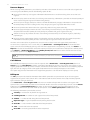
2. The system automatically assigns a document number which you can change later if necessary.
The number may be unavailable if the numbering template is configured in a way that data for generation is
missing in it when a document is created. In this case you will be prompted to generate the number when saving
the document.
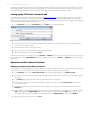
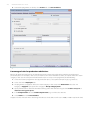
3. By default, the new document is created as of the current date and time according to the system settings
(see Accounting Settings, page 42), but you can also change these settings later.