1
[ TO MENU ]
RESTORE A BACKUP
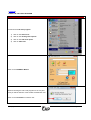
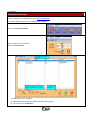
Click on Settings>Security>Restore CAP.
Click the Browse button.
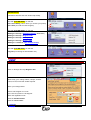
Select the folder where your backup is.
Select the file you want to Restore: The file will look
similar to “20081106_ 912.bak”
(Note the date in the file name)
Then click the Restore button.
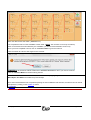
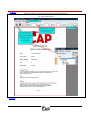
Remember all users will be logged out to Restore the
backup.
Click the Yes button.
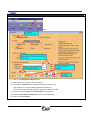
You will see the Restore Complete window.
Click on the OK button.
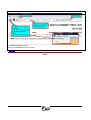
You will be logged out of CAP.
[ TO MENU ]
© Copyright 2007
Page 19 of 33